Troubleshooting
Photo answers aren’t working
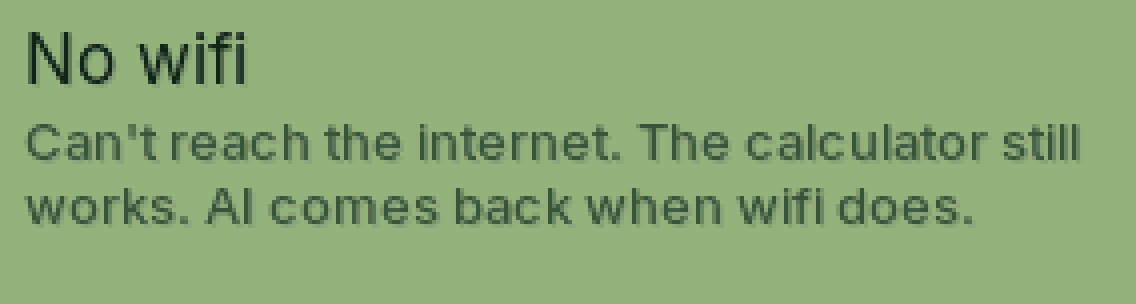
Go down this list. Most of the time it’s Wi-Fi or pairing.
Updated November 17, 2026
Is it paired?
If ALPHA shows a code, PasCal isn’t linked yet. Pair your phone.
Is AI mode on?
If ALPHA does nothing, PasCal may be on the normal calculator (AI off). Switch AI back on with the same button. Tests and AI mode.
Questions left today?
SHIFT, MODE, then Cal questions shows how many you have left. They come back at midnight.
Is it us?
Check the status page. If something’s down, we already know and we’re fixing it.
Was this helpful?
Thanks for letting us know.
Sorry about that. or send us a message.