Phone & app
Pair your phone with the app
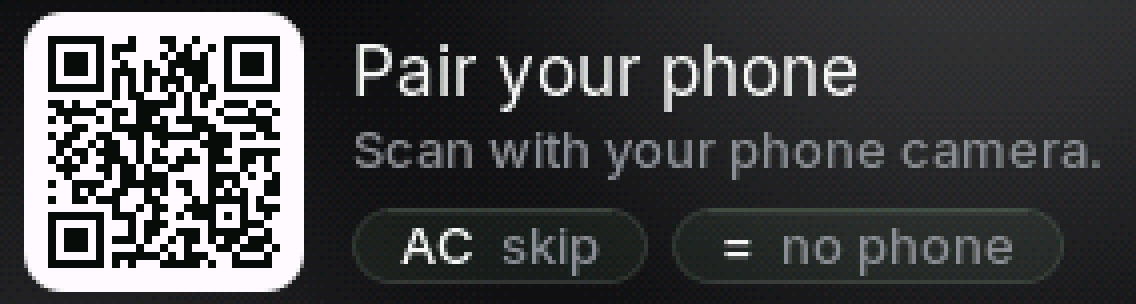
Link your phone to PasCal by scanning the code on its screen. The first time, setup does this for you.
Updated November 17, 2026
Open the PasCal app
Sign in with Apple, Google or your email.
Show the code on PasCal
The first time you turn it on, setup shows the code for you (step 3 of Set up). Later: press SHIFT, then MODE, go down to Pair with the app and press =.
SHIFTMODE▼=

Scan it
Point your phone camera at the code. The app opens and pairs by itself.
Done
The code turns into a check. The app now shows PasCal’s screen, live.

Was this helpful?
Thanks for letting us know.
Sorry about that. or send us a message.