Wi-Fi
Reset Wi-Fi
Forget one saved network, or all of them, then add Wi-Fi again.
Updated November 17, 2026
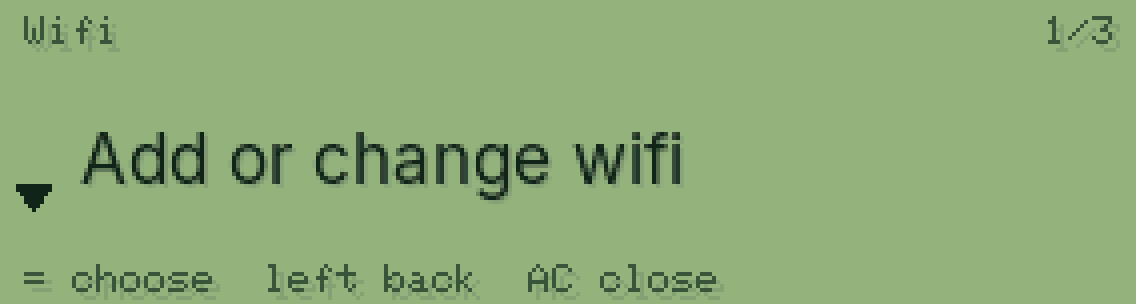
Open the Wifi page
Press SHIFT, then MODE, then = on Wifi.
SHIFTMODE=
Forget one network
Go down to it and press = twice. The first press asks “= to forget”.
▼==
Or forget them all
Go down to Forget all wifi and press = twice to confirm.
▼==
Add Wi-Fi again
Pick Add or change wifi and follow Connect to Wi-Fi.
Was this helpful?
Thanks for letting us know.
Sorry about that. or send us a message.