Get started
Set up your PasCal
Turn it on and follow the screen. PasCal walks you through it, step by step, like a new iPhone.
Updated November 17, 2026
The first time you turn PasCal on, it walks you through setup on its own screen, one step at a time. It takes about 5 minutes.
Turn PasCal on
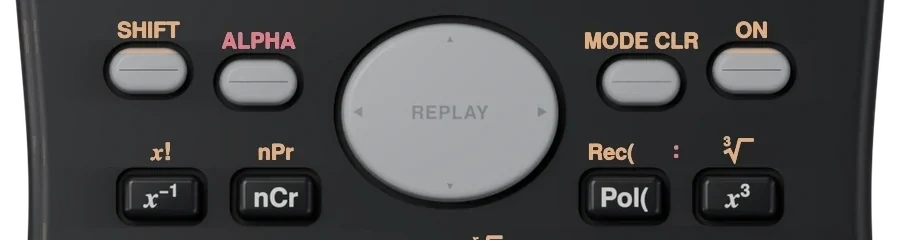
Press ON. It’s on the top row, far right. Setup starts by itself.
ON
Pick your language and look
Choose your language, then a screen look: Classic green, G2 deep ink, or Black & white. You can change both later.
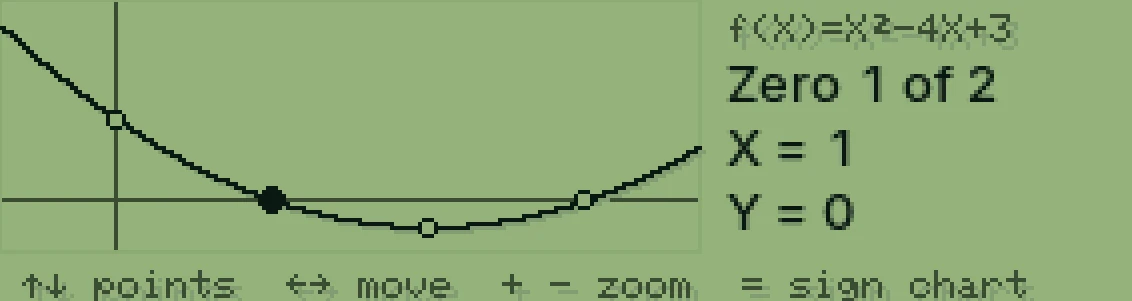
Classic green 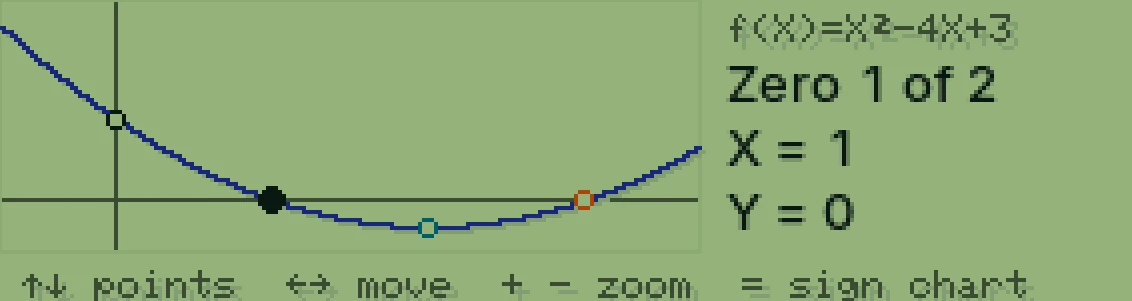
G2 deep ink 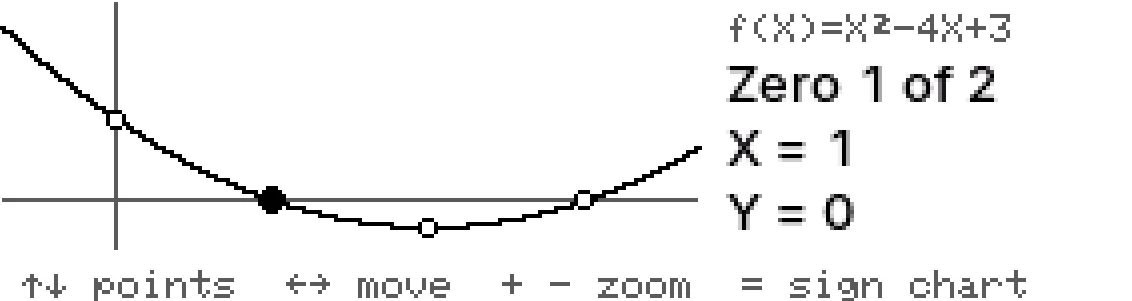
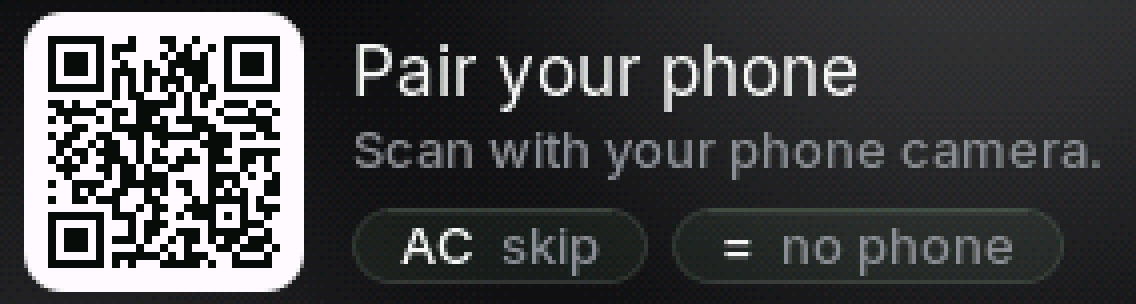
Black & white Pair your phone
Get the free PasCal app (App Store or Google Play). PasCal shows a code: point your phone camera at it. The code turns into a check when you’re linked.
Connect to Wi-Fi
PasCal asks for Wi-Fi next. Scan the code with your phone, pick your Wi-Fi and type the password. Your phone’s hotspot works too.

Done
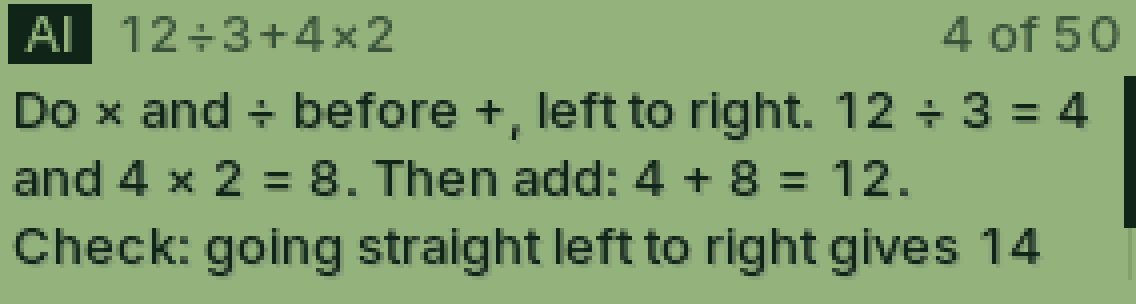
You’re set. Type a sum and press ALPHA to ask Cal. Or press SHIFT, then ALPHA, to snap a question.
ALPHA
Was this helpful?
Thanks for letting us know.
Sorry about that. or send us a message.