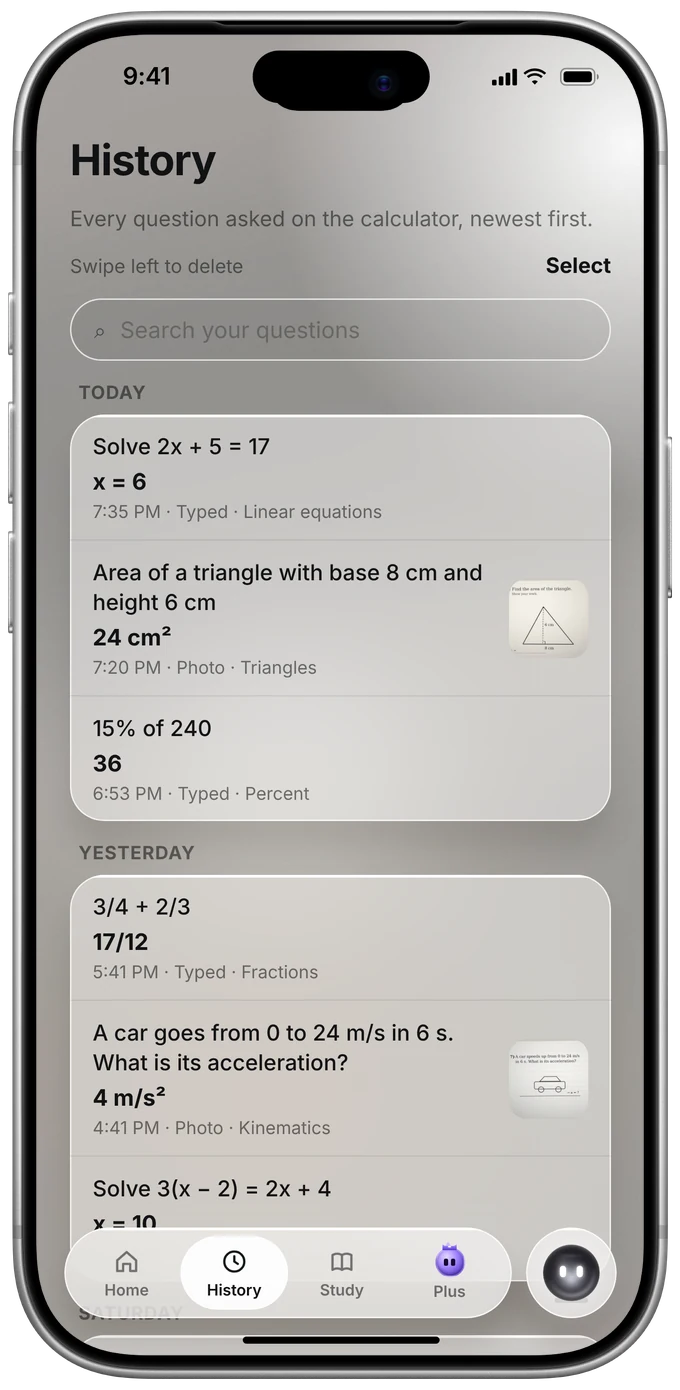
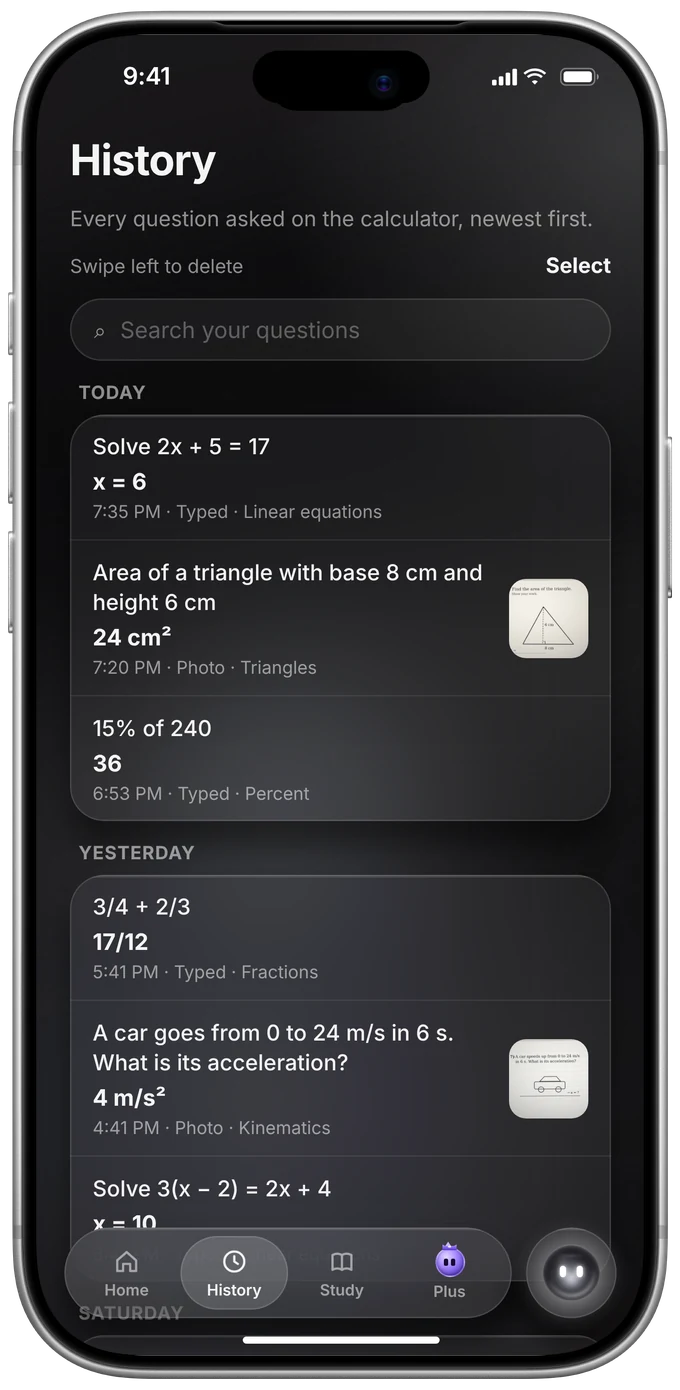
History
Every answer, kept.
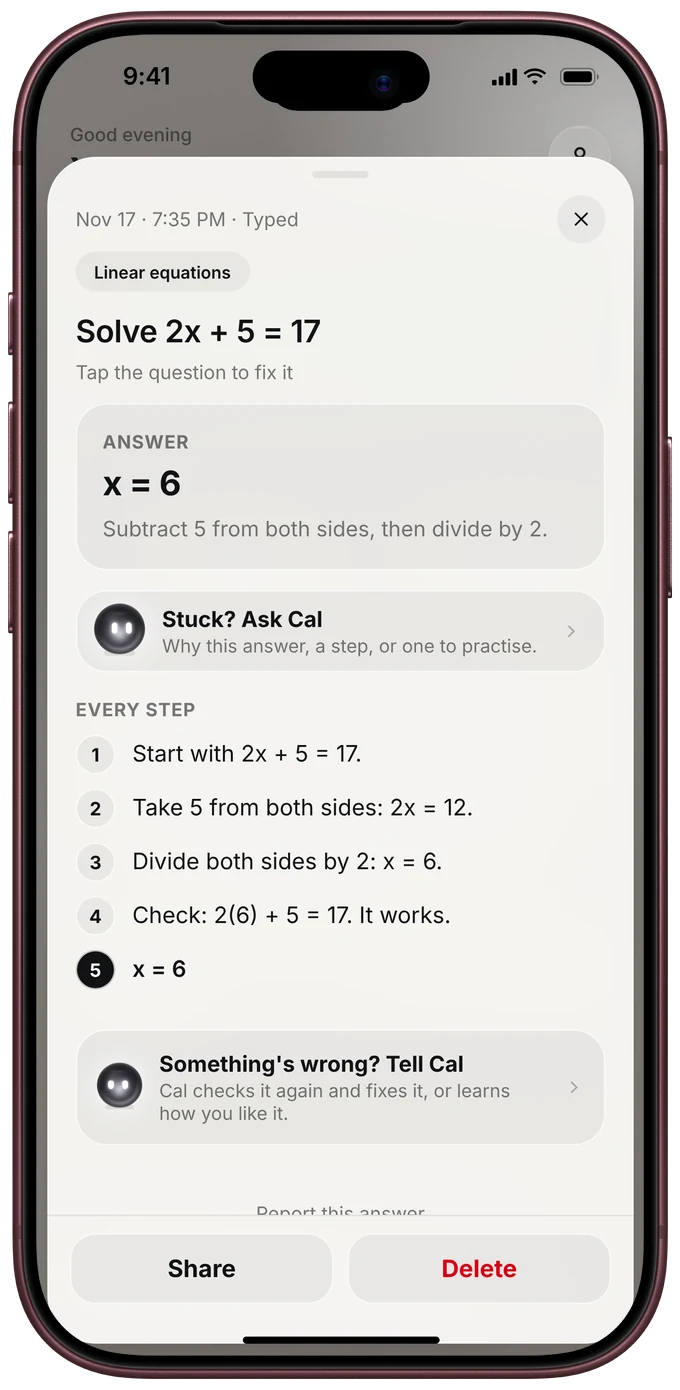
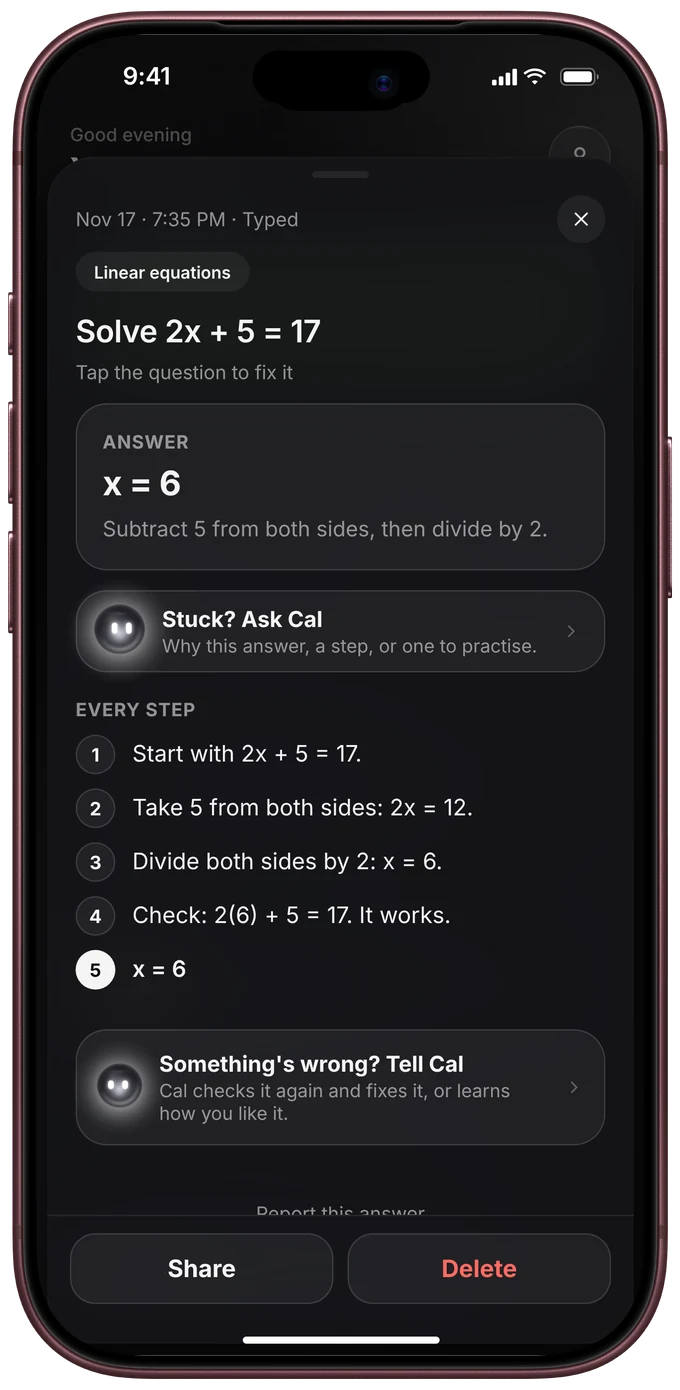
Each question you ask on the calculator lands in the app, with the answer and every step.
PasCal app
Every answer kept with all its steps, Cal one tap away, and your calculator live on your phone. Free.


For iPhone, iPhone Duo, iPad, Android and Apple Watch. Your PasCal also works on its own, no app needed.
History
Each question you ask on the calculator lands in the app, with the answer and every step.
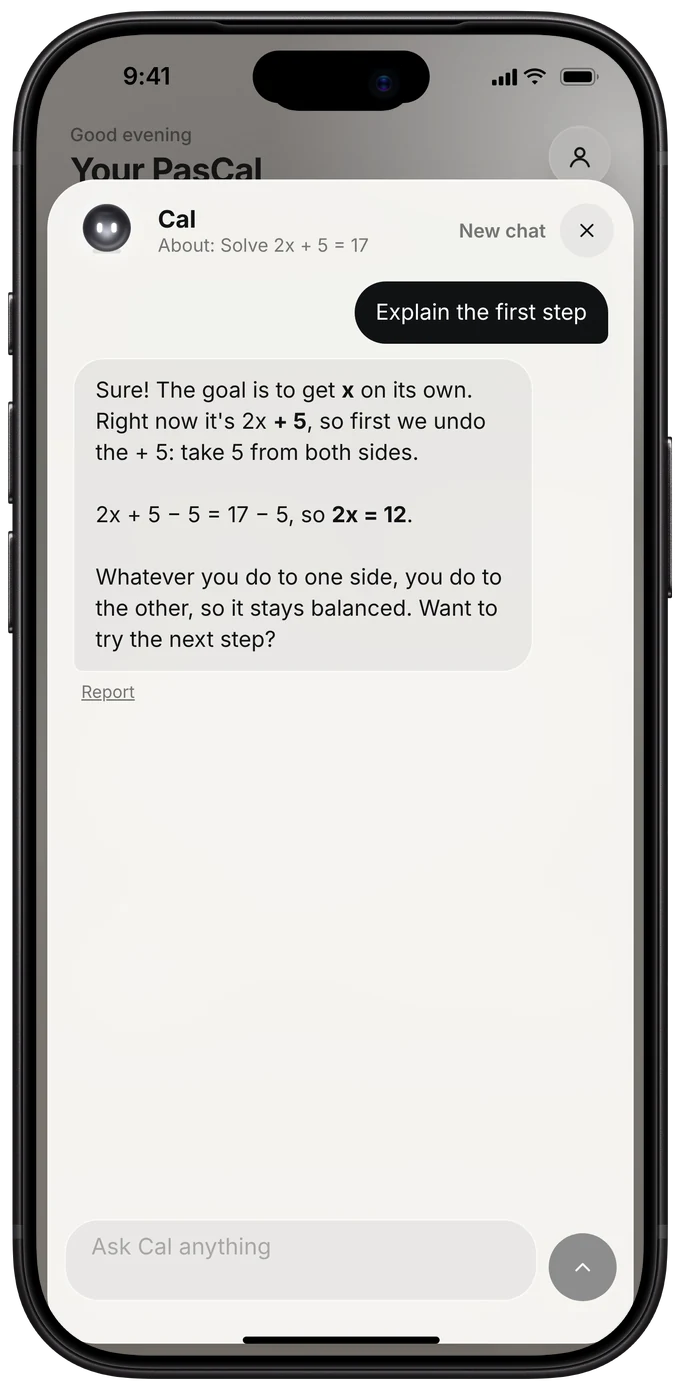
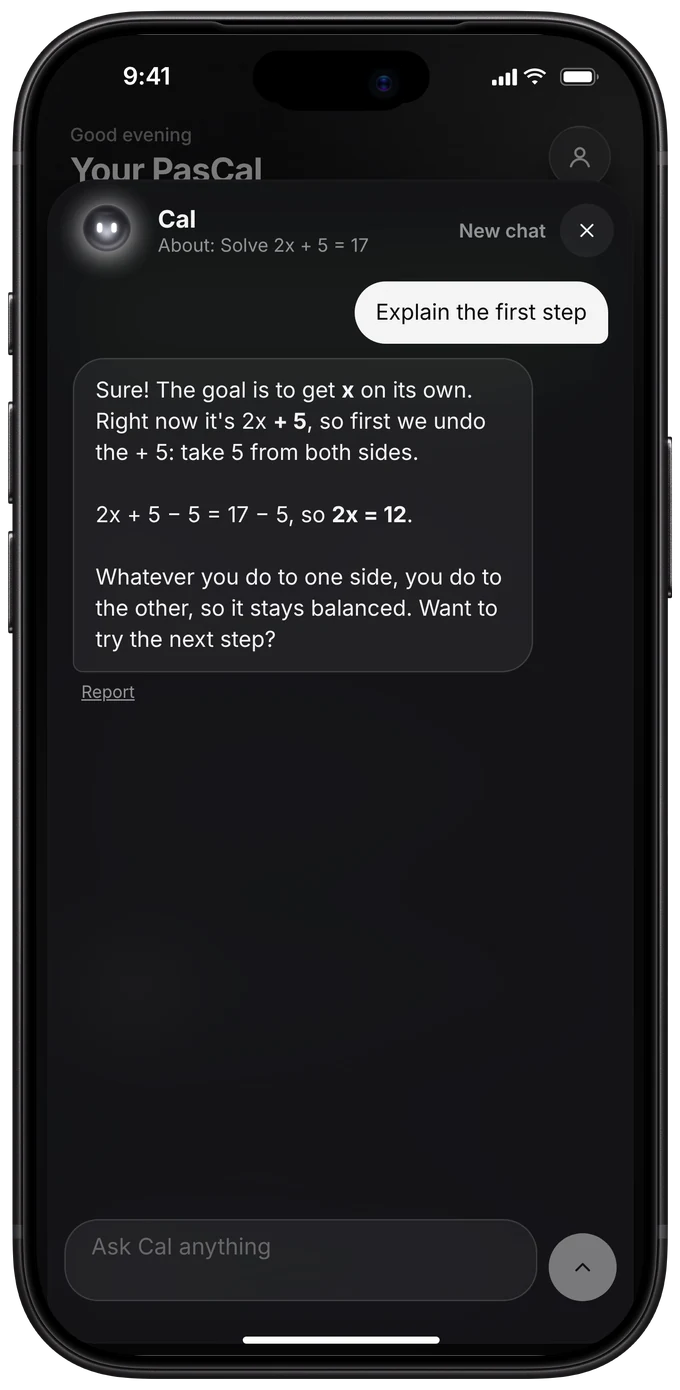
Ask Cal
Ask why, ask for a step again, or get a practice question. Cal knows what you just solved.
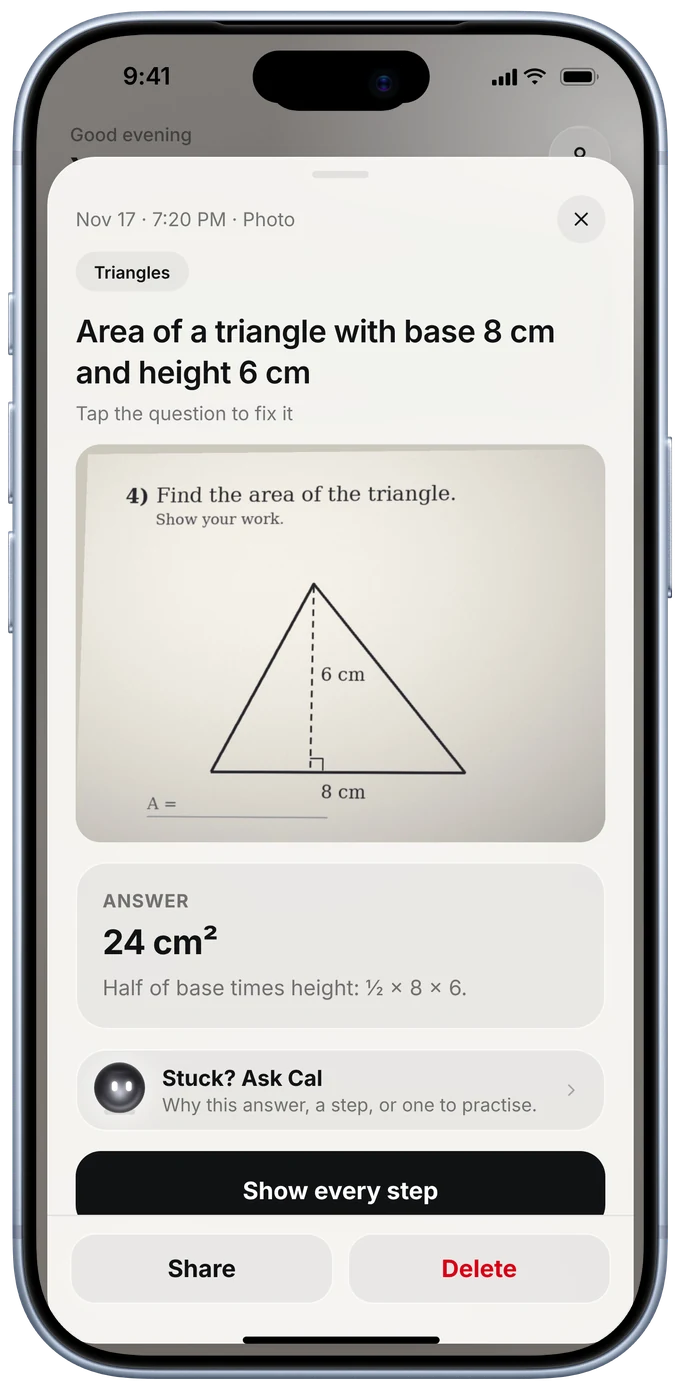
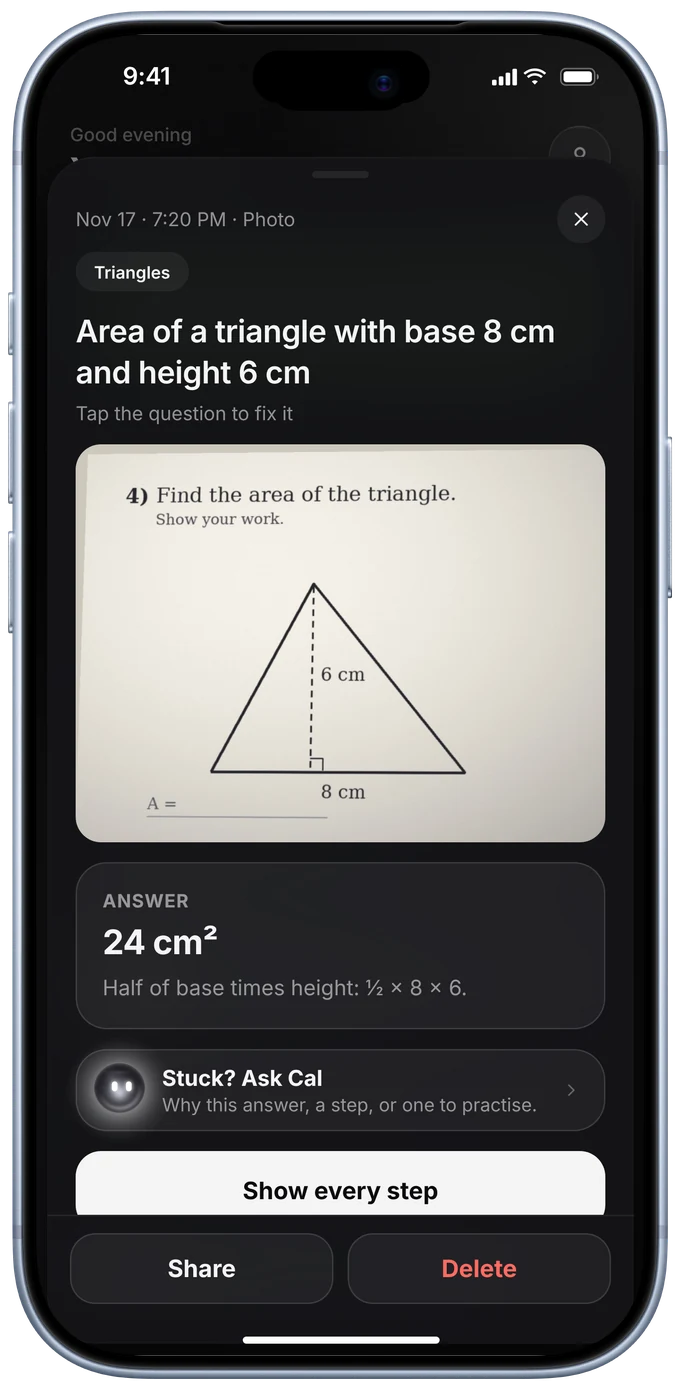
Photos
Snap a question with your PasCal. The app keeps the photo next to its answer and every step.
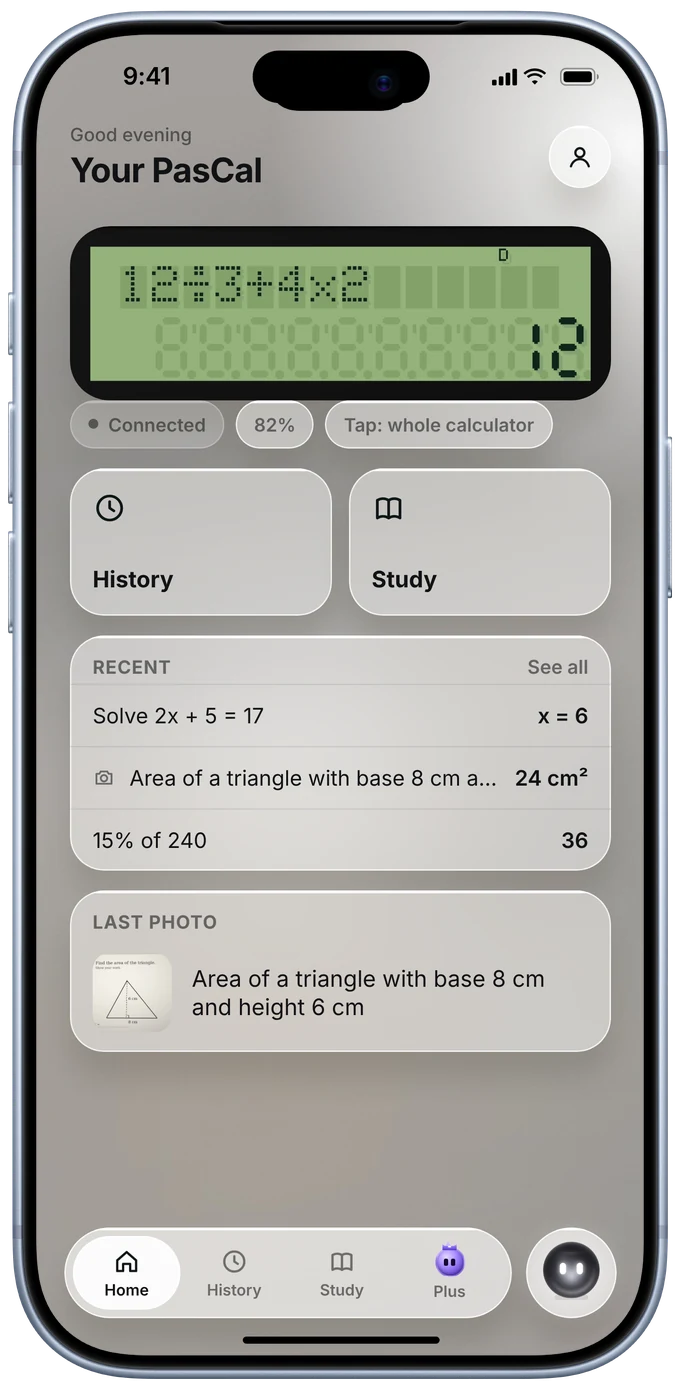
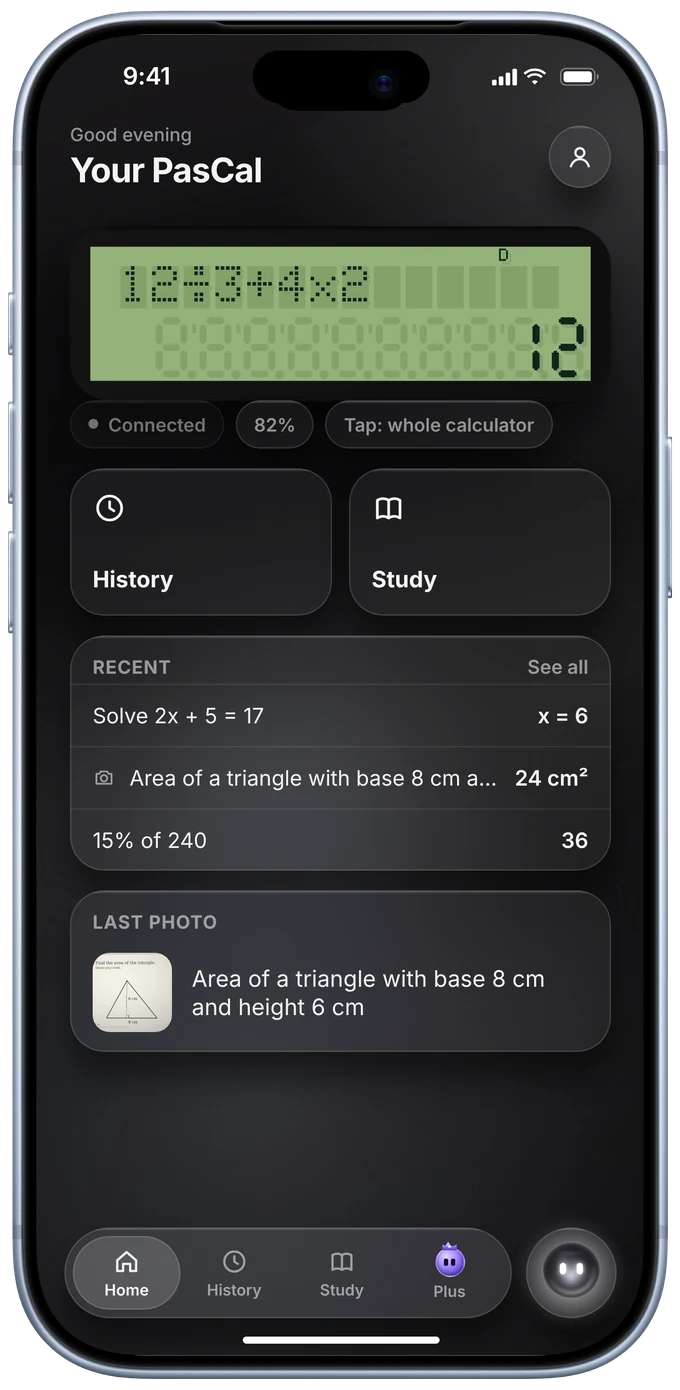
Live screen
Your phone shows what is on your PasCal right now. Tap it to use the whole calculator from your phone.
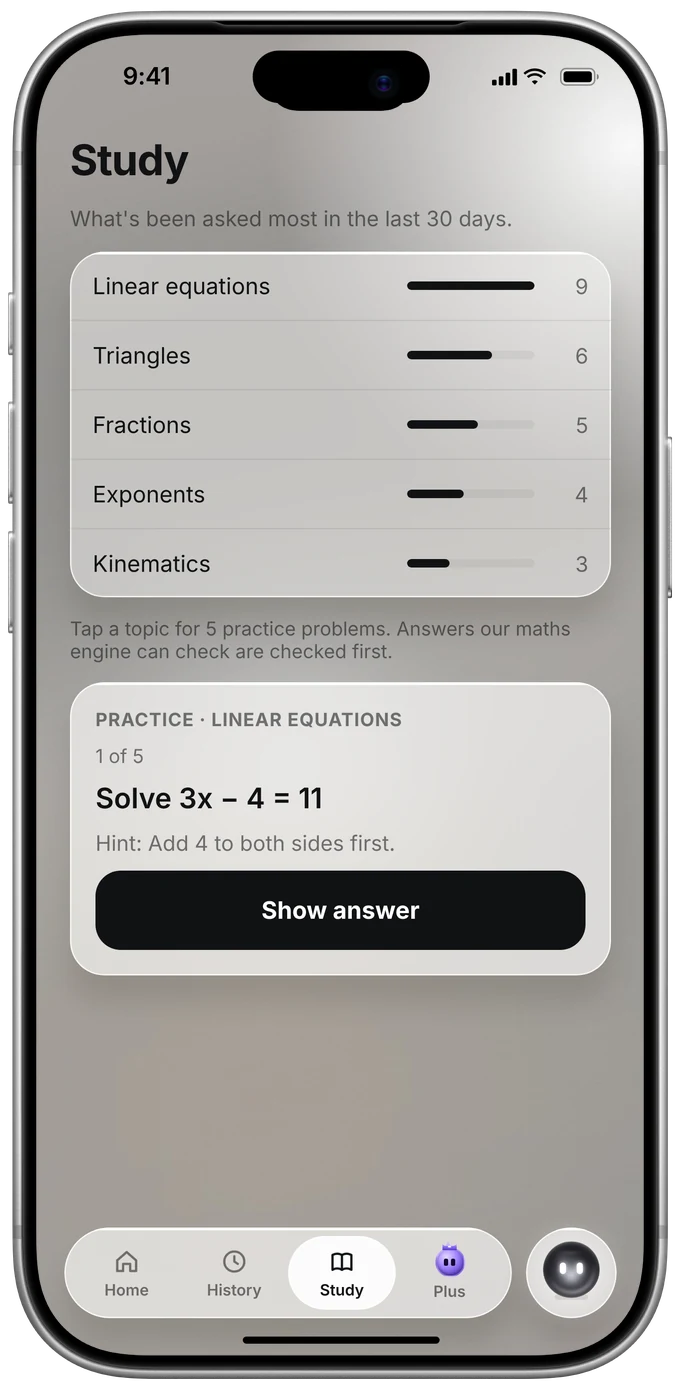
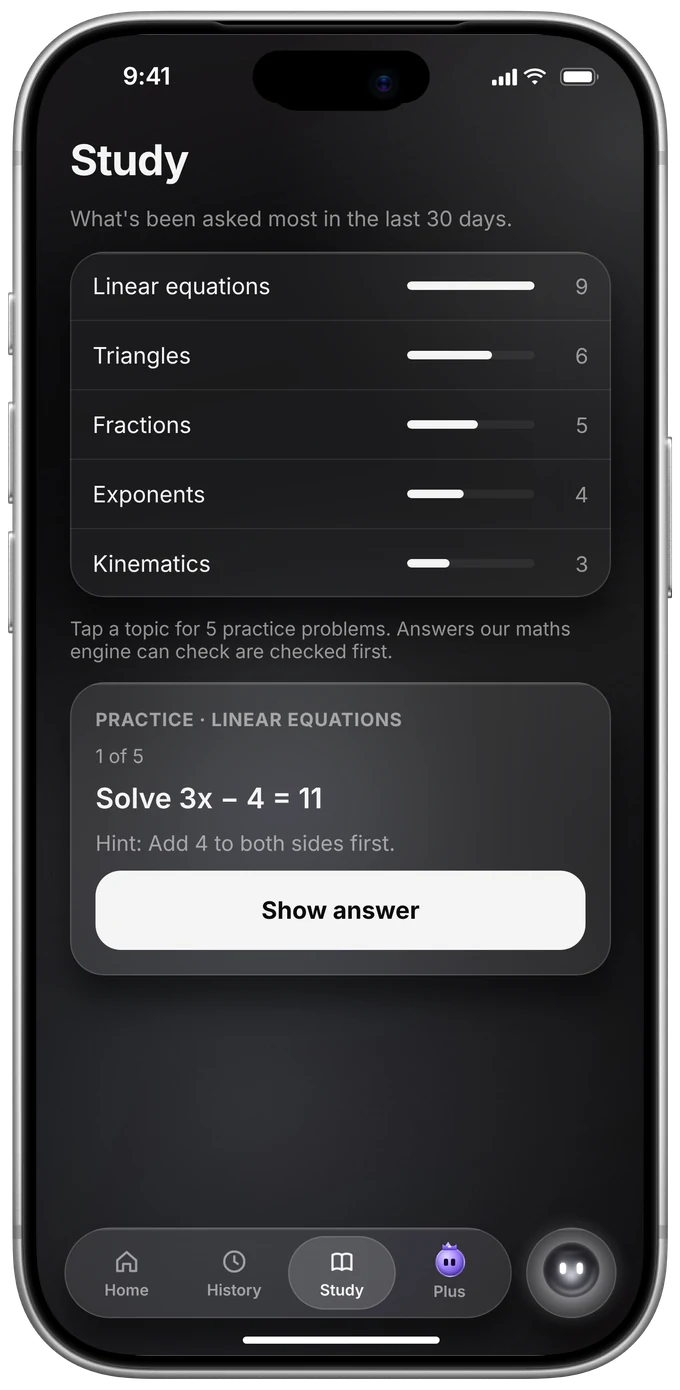
Study
Study shows your top topics. Tap one for five practice questions, with a hint first.
Settings
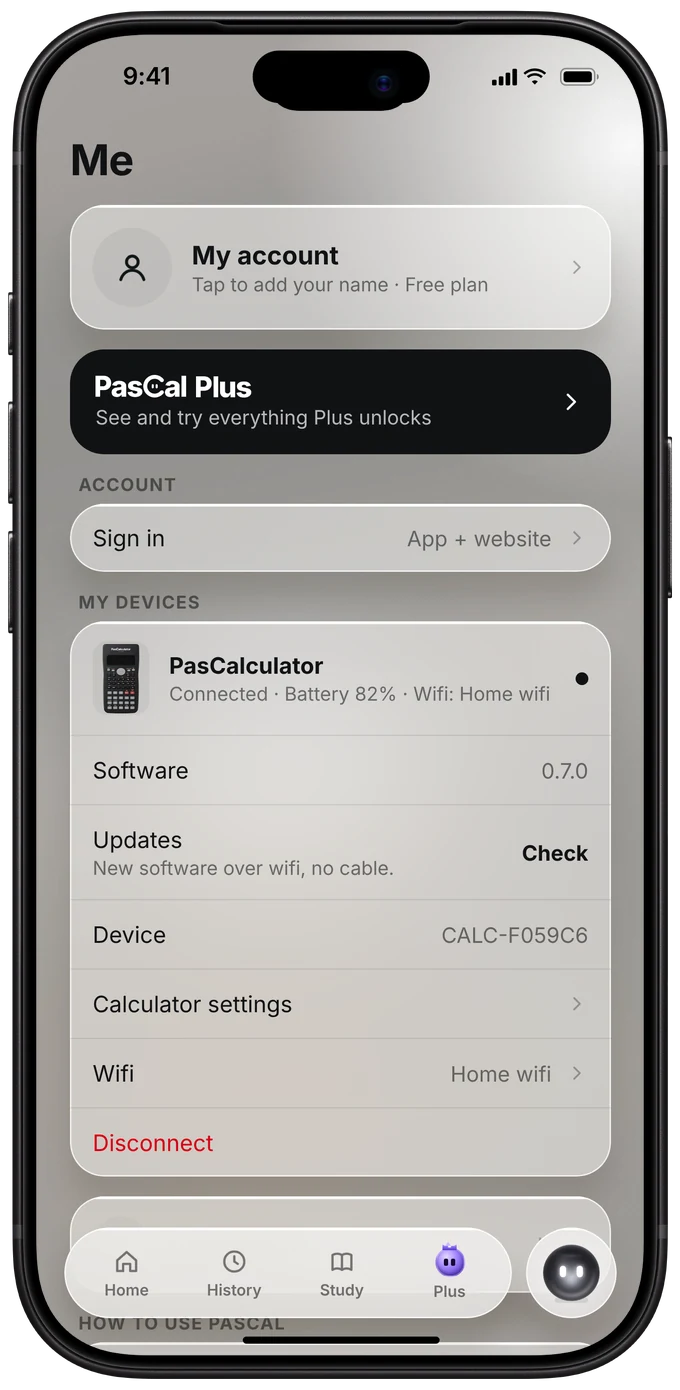
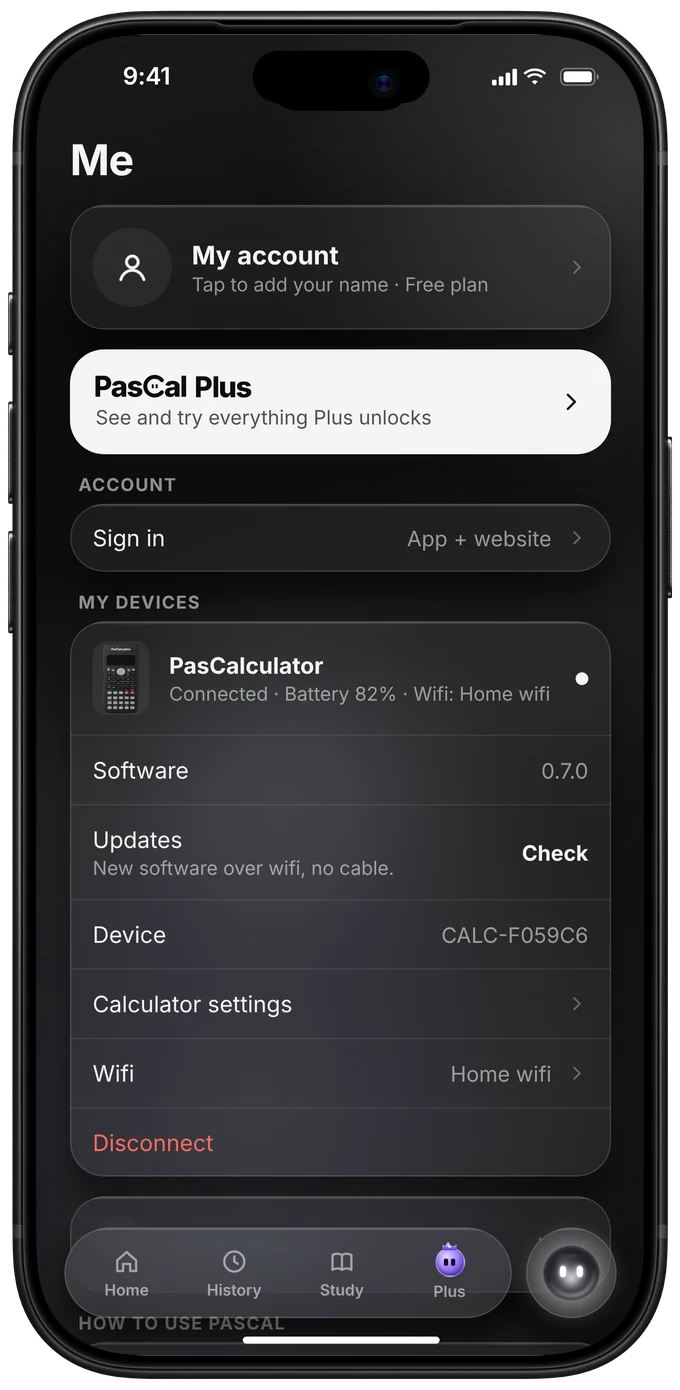
Light or dark, Wi-Fi, updates and calculator settings, all in the Me tab.
Widgets New
Three widgets for your Home Screen and Lock Screen.
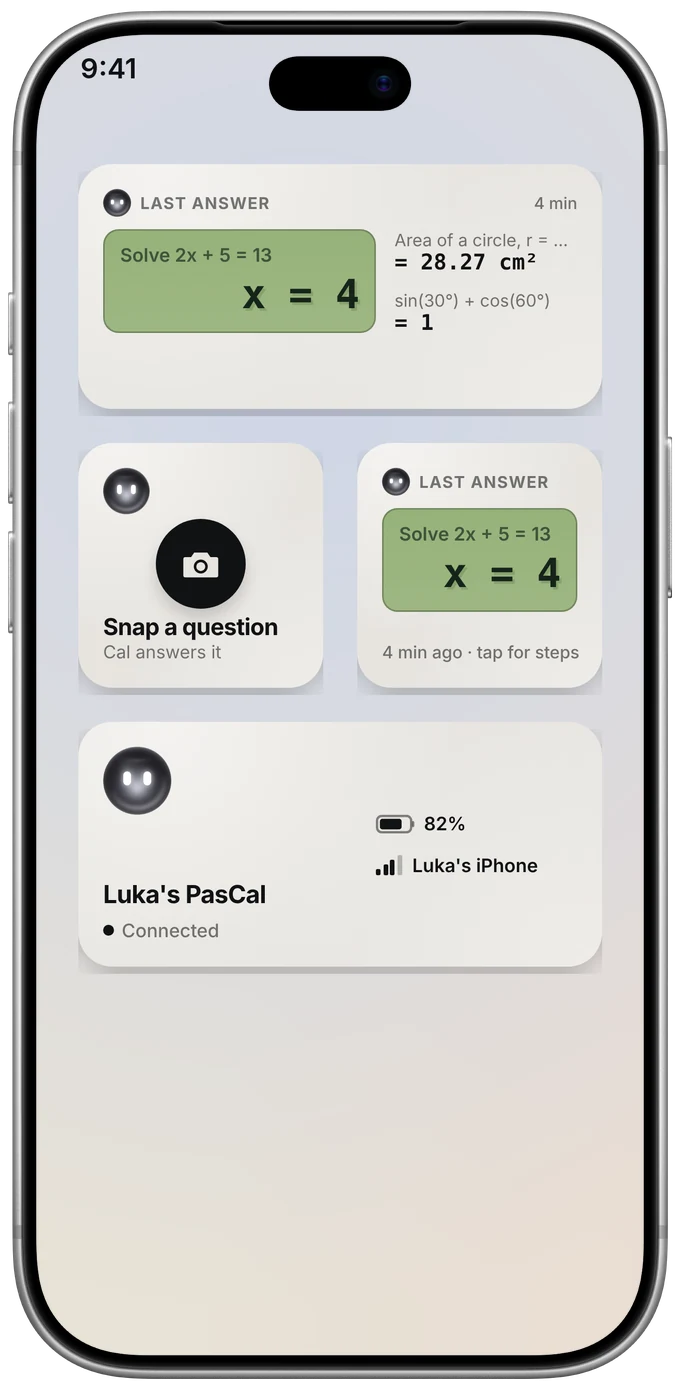
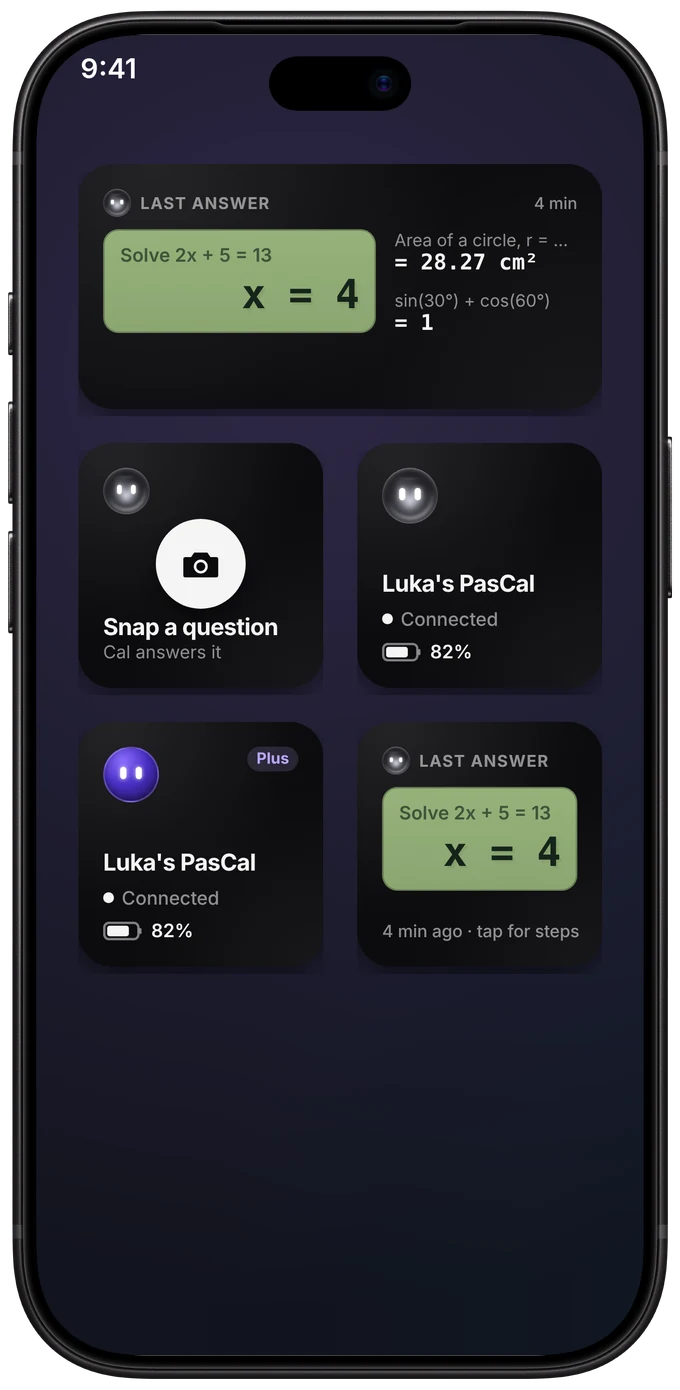
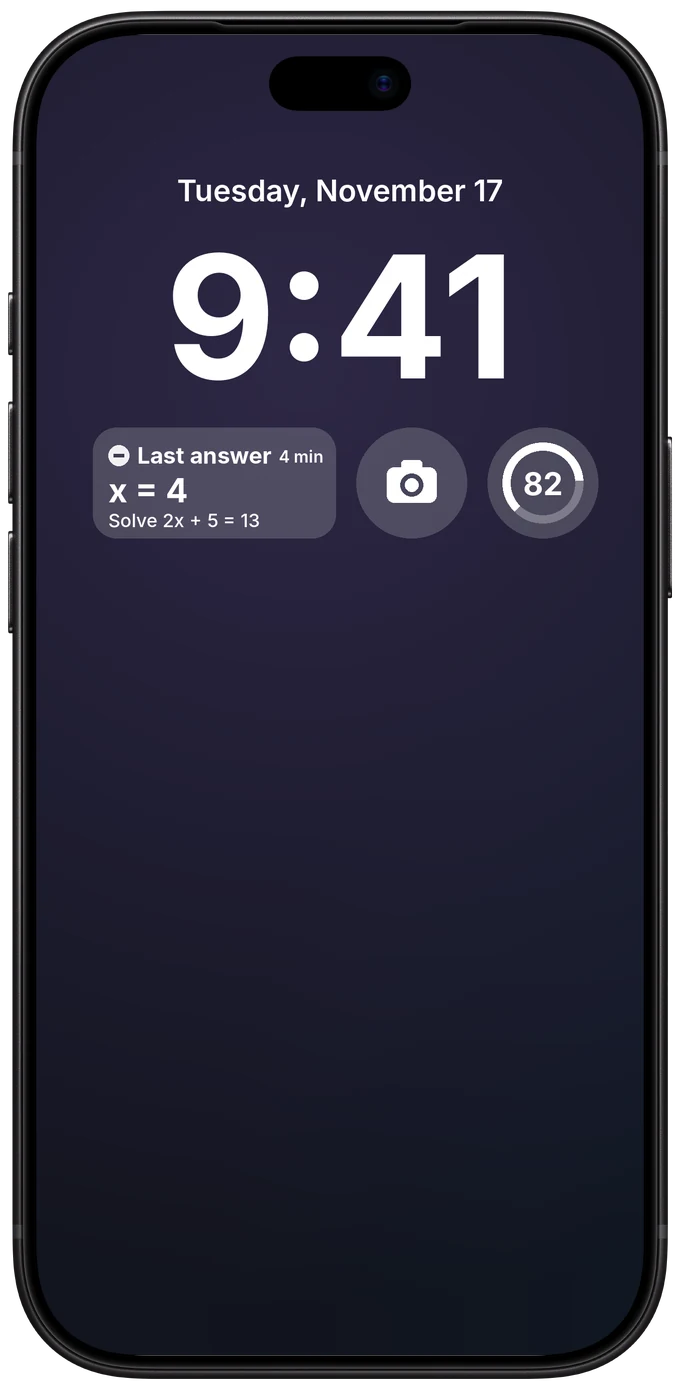
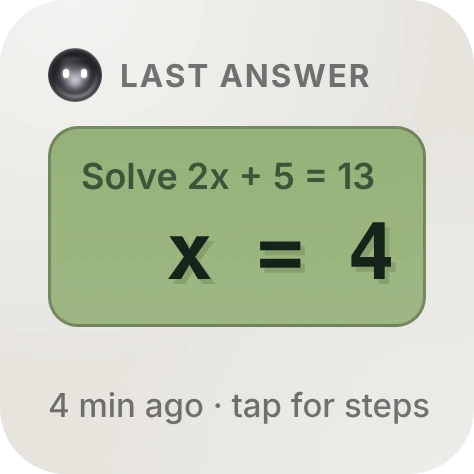 Last answerYour last answer, tap for the steps.
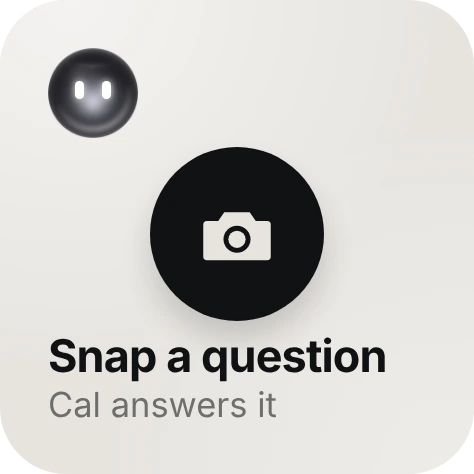
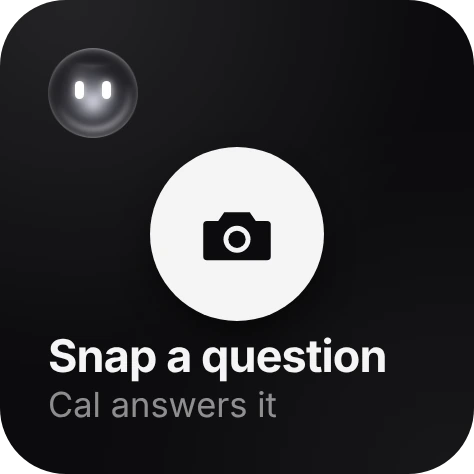 Snap a questionOne tap to take a photo. Cal answers it.
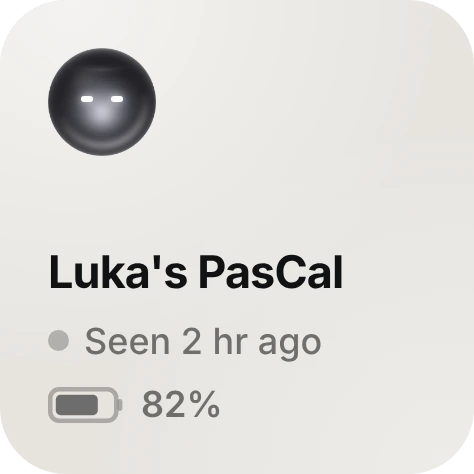
 My PasCalBattery, and if it's connected.
Apple Watch New
Big buttons for the things you do most, right from your Apple Watch.
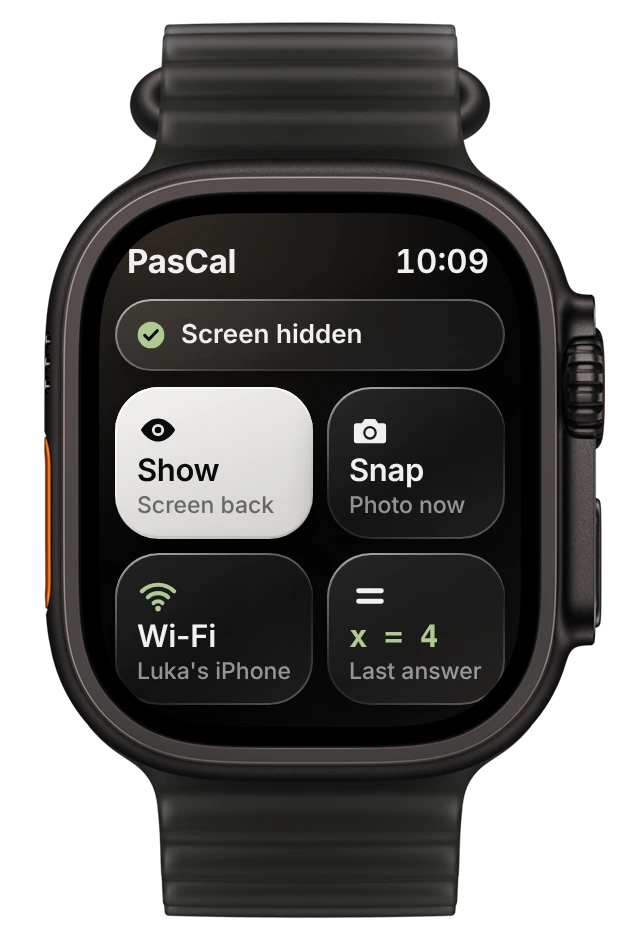
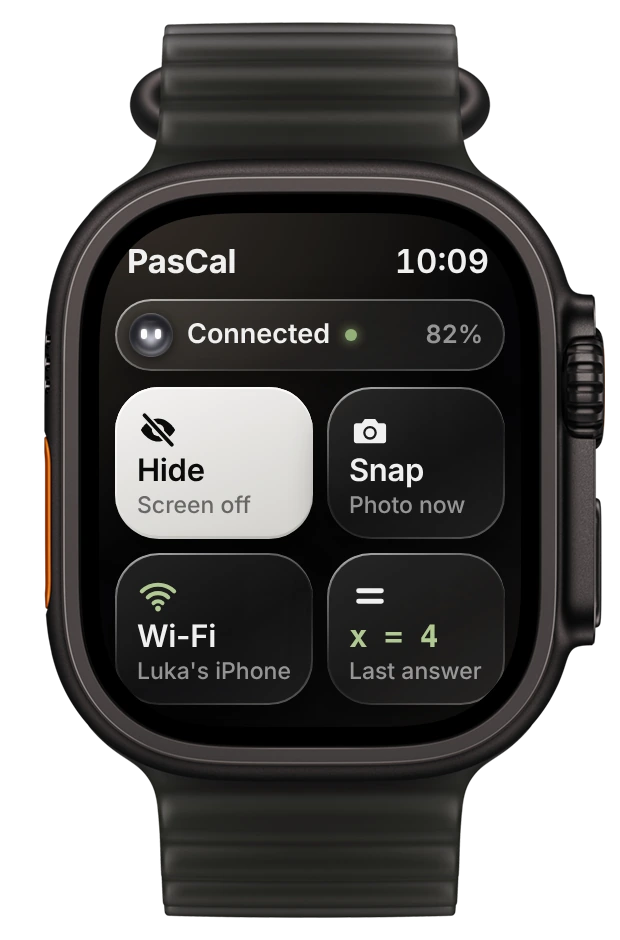
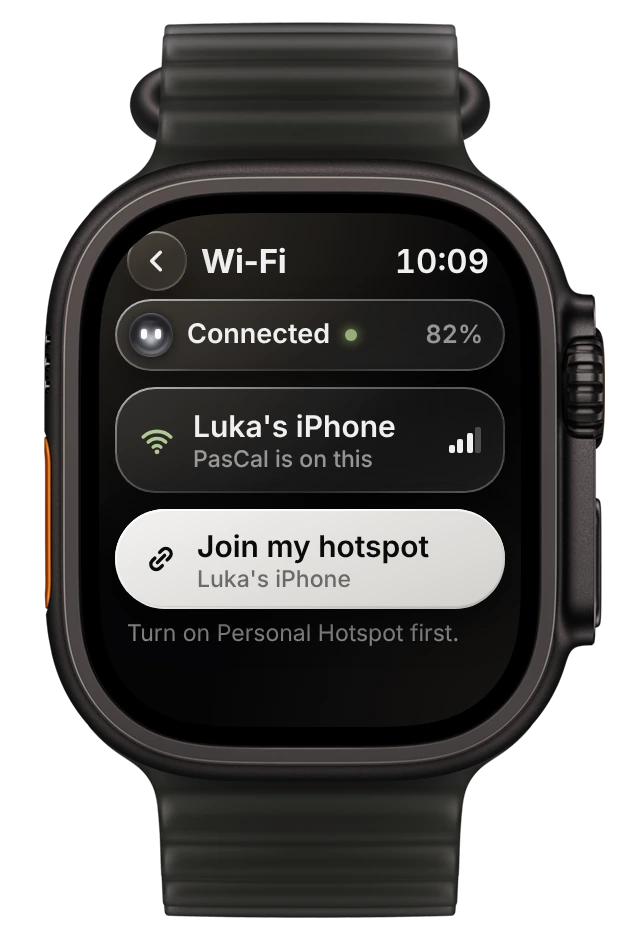
One free app, the same answers everywhere: iPhone, iPhone Duo, iPad, Android and Apple Watch.
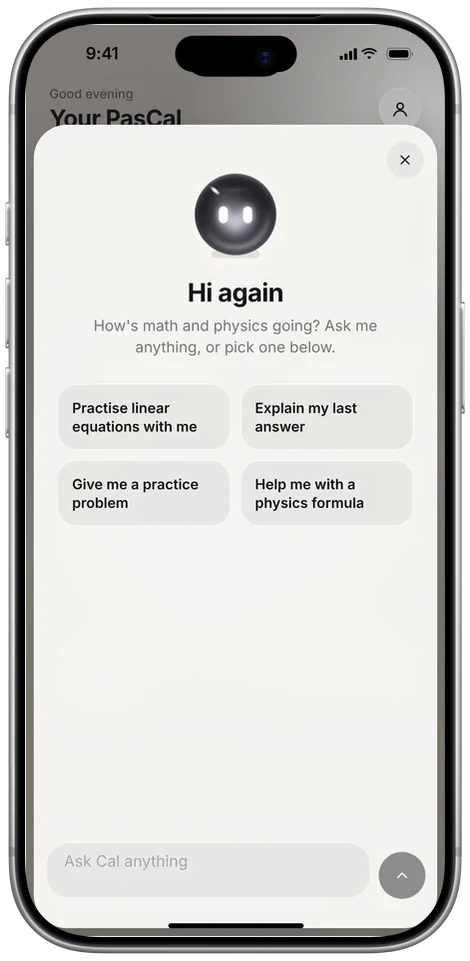
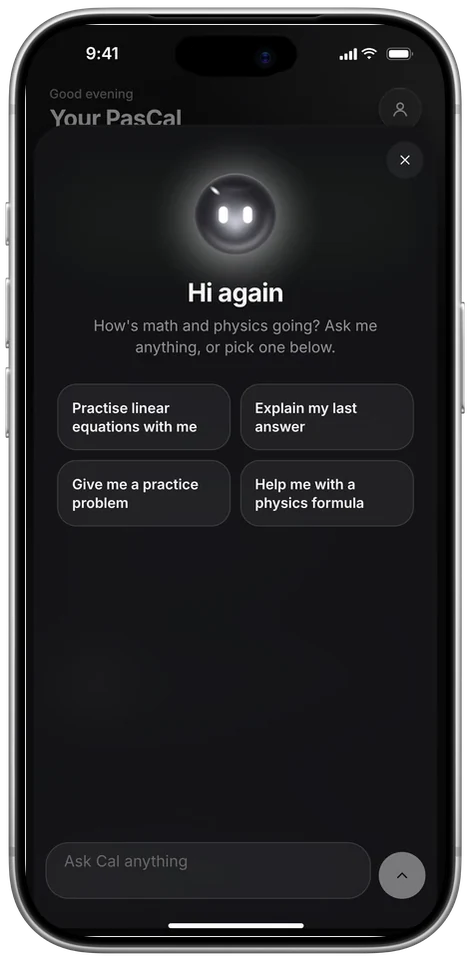
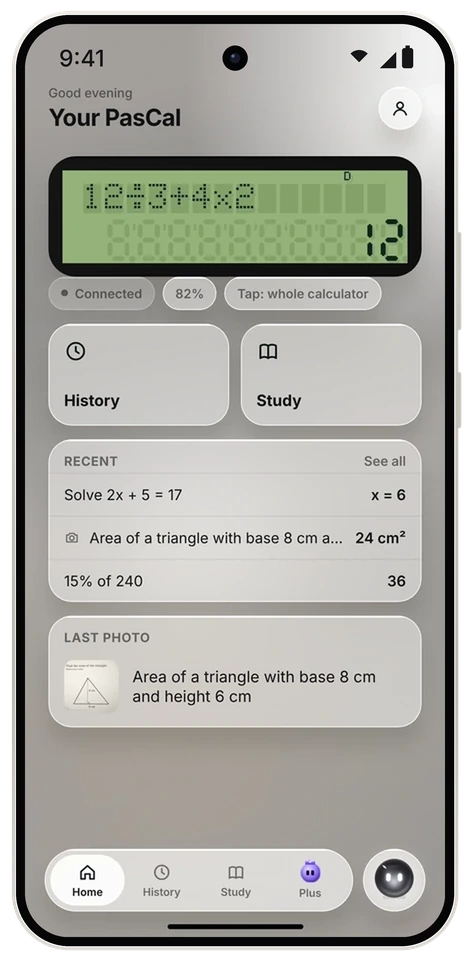
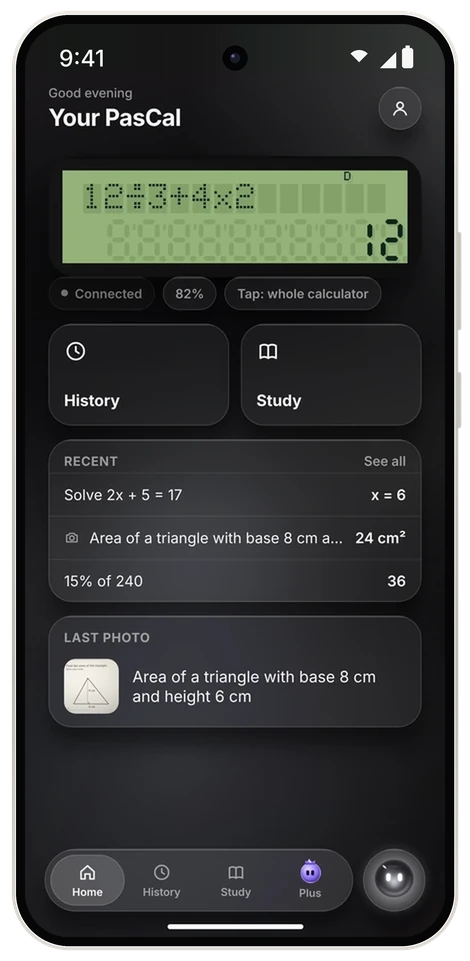
The free PasCal app, from the App Store or Google Play.
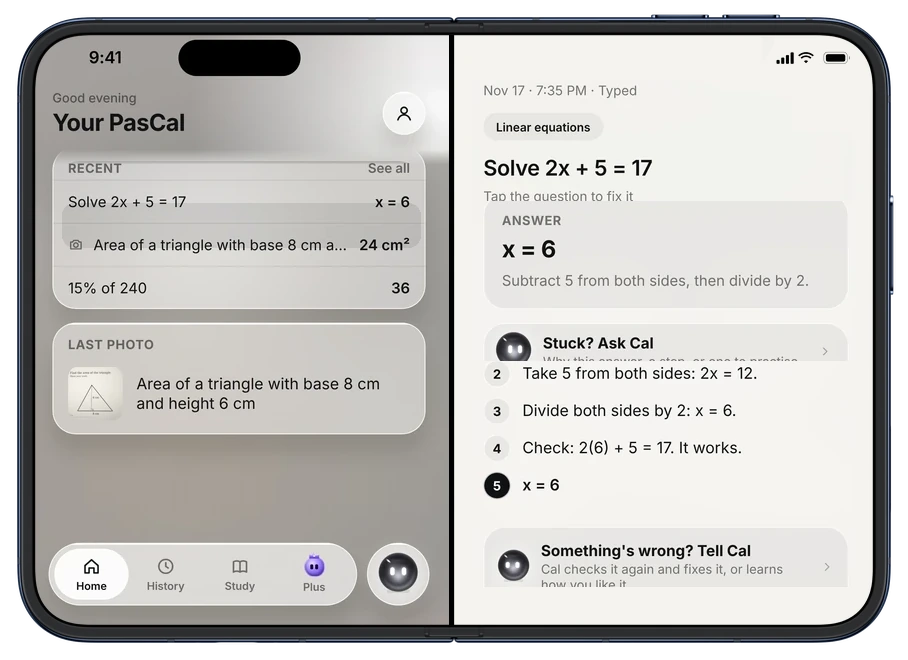
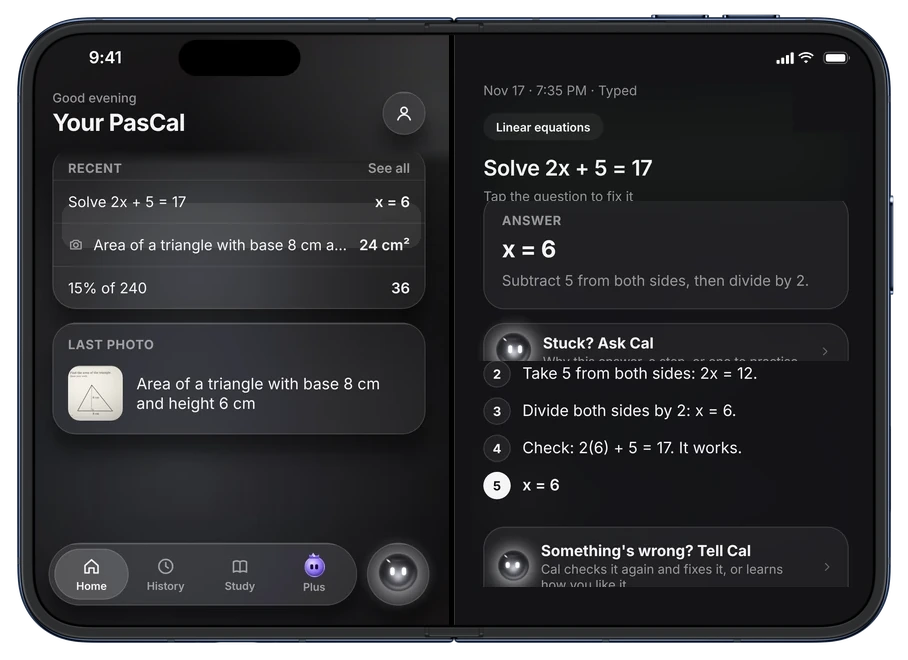
iPhone Duo New
On iPhone Duo, your questions sit on one side and the answer on the other.
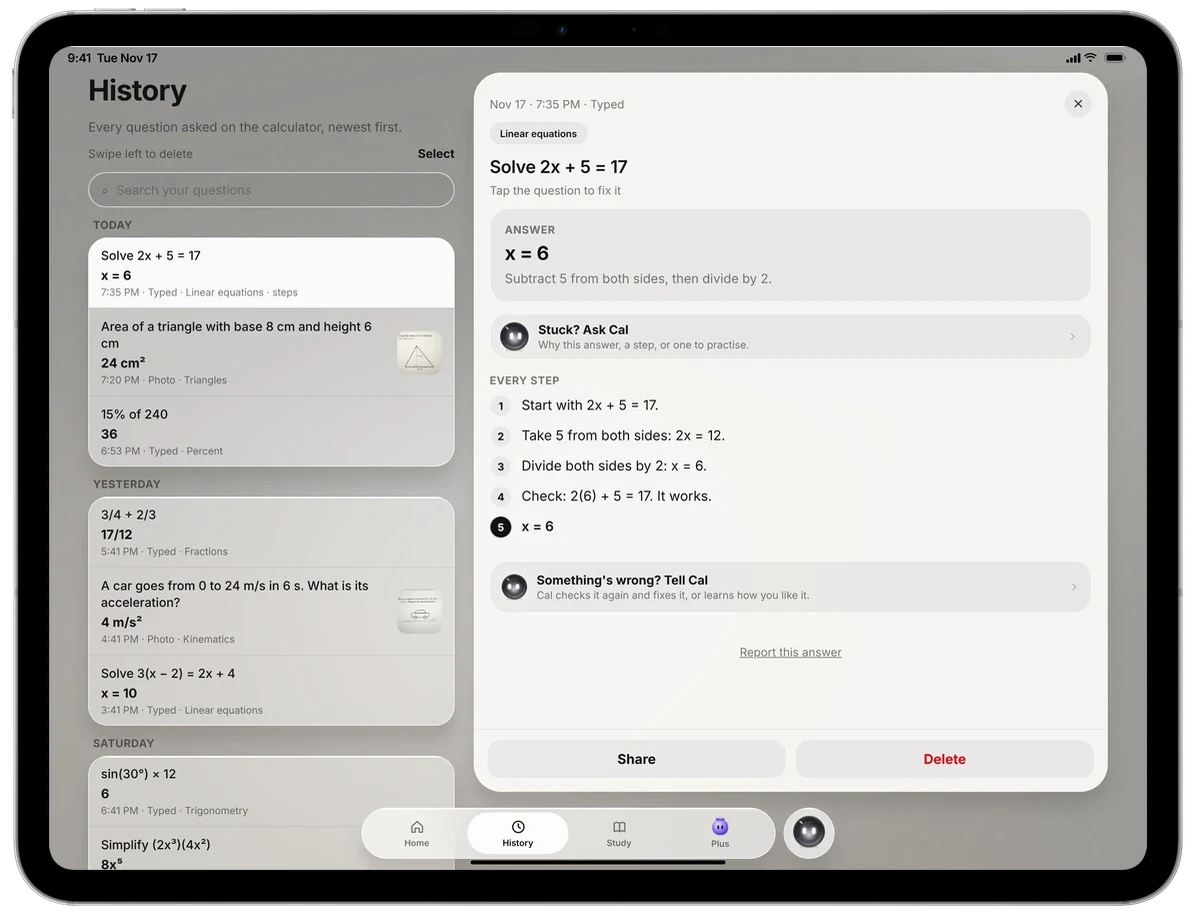
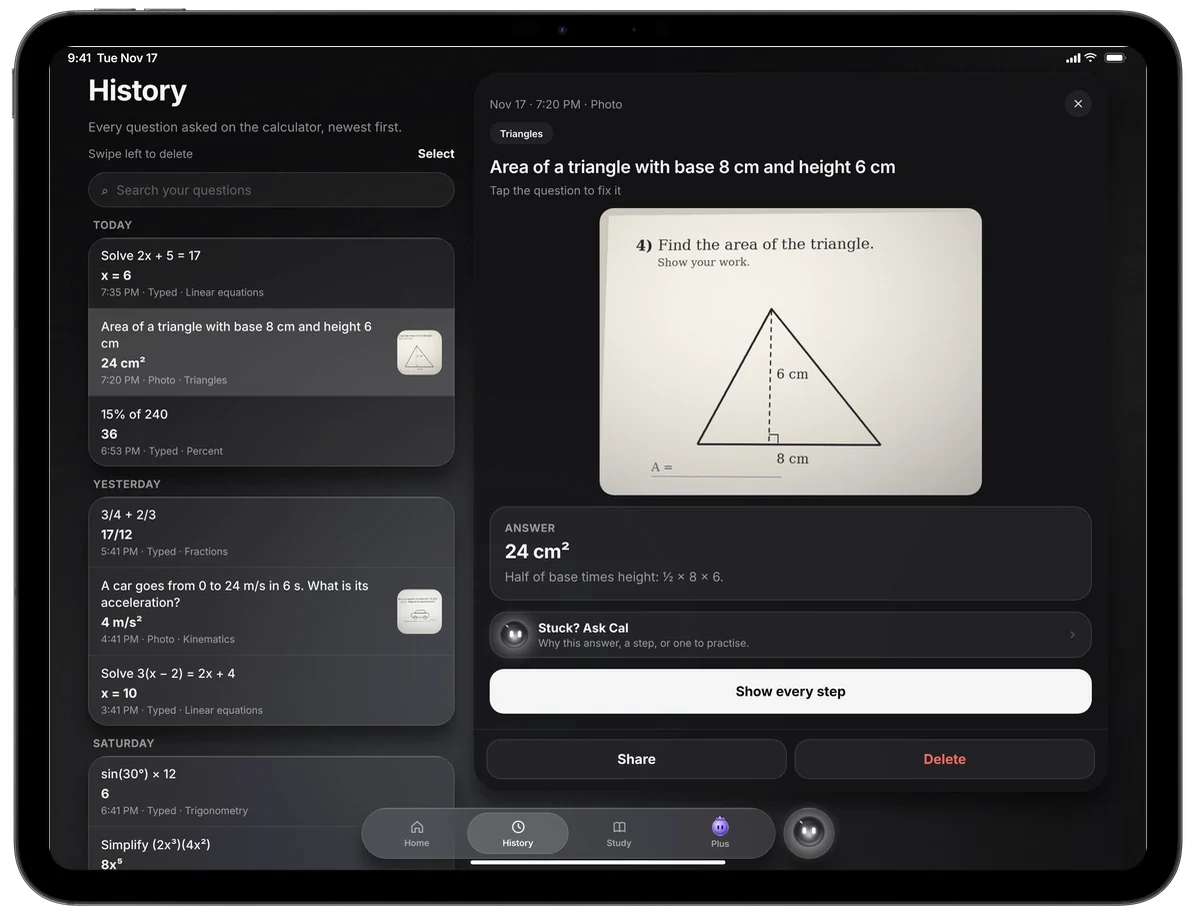
iPad New
Your calculator and questions on the left, the answer with every step on the right.
Apple Watch New
With the app on your iPhone.
Nothing to type. Your phone and your PasCal find each other.
From the App Store or Google Play. Sign in with Apple, Google or your email.
Press ON, top row, far right. The first time, it walks you through setup on its screen, like a new iPhone. When it asks, it shows a code.
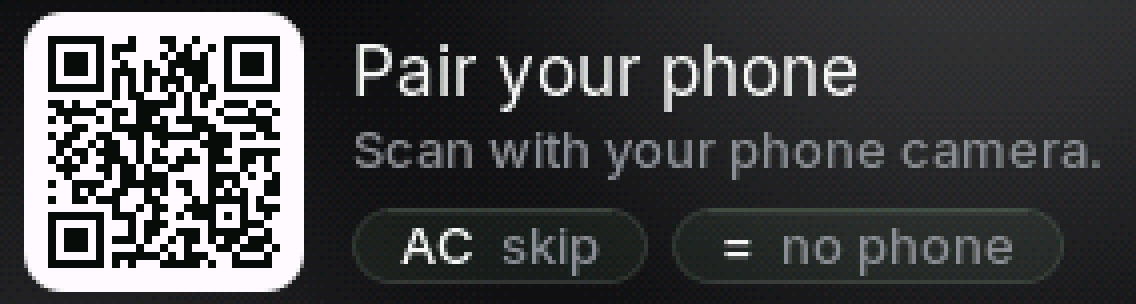
Use your phone camera. It opens the PasCal app and links it to this calculator.

The latest in the PasCal app.