Wi-Fi
Connect to Wi-Fi
Scan a code, pick your Wi-Fi, type the password. PasCal remembers up to 5 networks.
Updated November 17, 2026
Open Settings
Press SHIFT, then MODE. Wifi is the first row.
SHIFTMODE
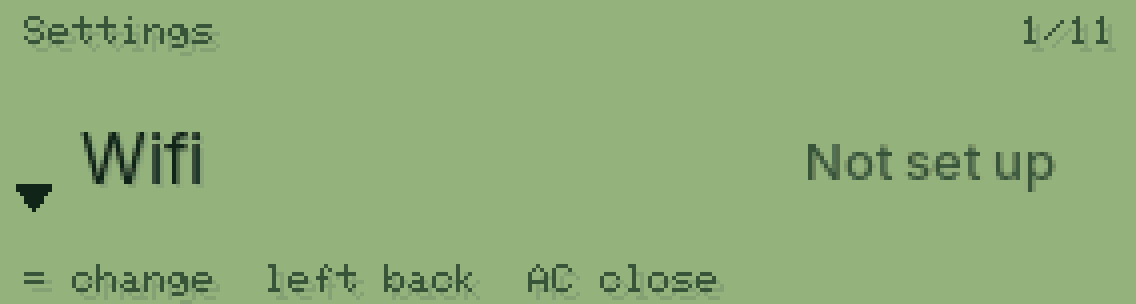
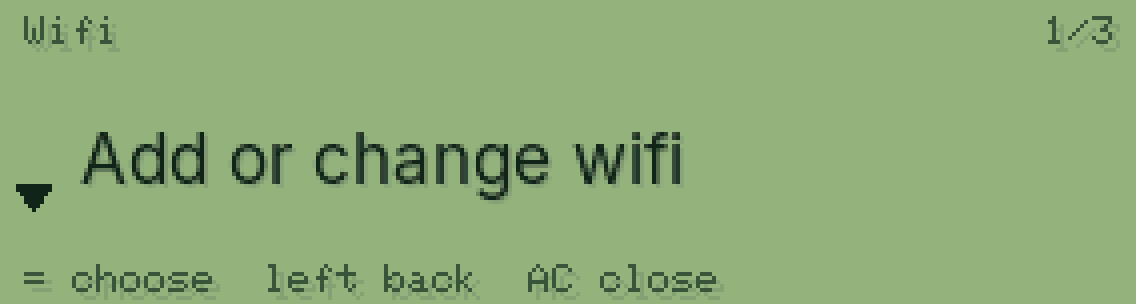
Press = twice
Once to open Wifi, once on Add or change wifi.
==
Scan the code with your phone
Your phone joins PasCal for a moment and opens a page with the Wi-Fi near you.

Pick your Wi-Fi and type the password
If the password is wrong, PasCal tells you right away so you can try again.

Connected
PasCal saves it and joins by itself next time.

Was this helpful?
Thanks for letting us know.
Sorry about that. or send us a message.