Photos & answers
Snap a question
Point PasCal’s camera at a question. Cal reads it and shows every step.
Updated November 17, 2026
Open the camera
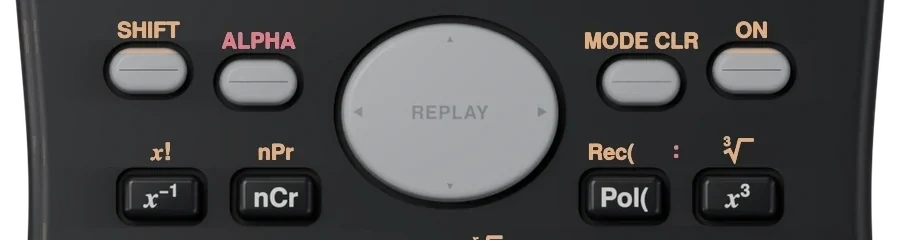
Press SHIFT, then ALPHA. The camera fills the screen.
SHIFTALPHA
 12
Aim at one question
Hold it over the question so it fits on the screen. PasCal tells you if it’s too dark, too far or cut off.
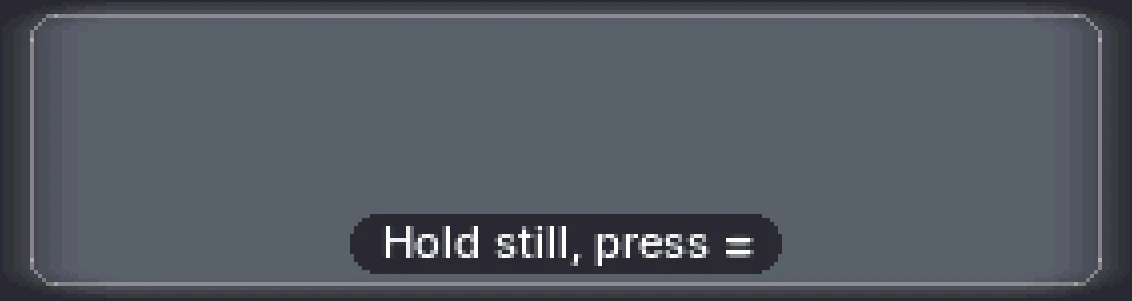
Hold still and press =
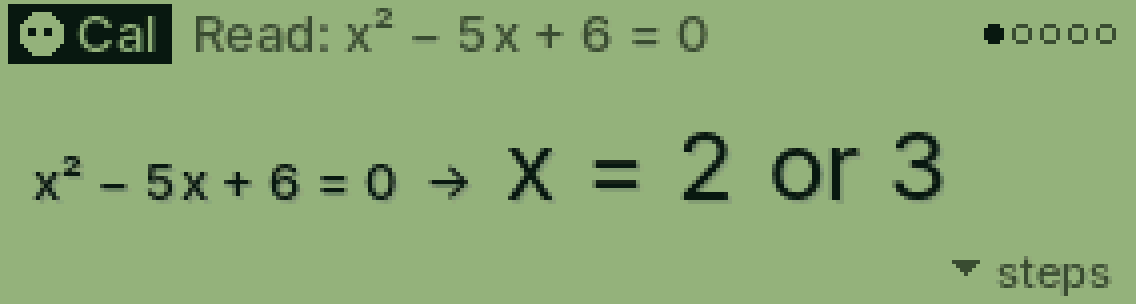
Cal reads it and works it out. Press ▼ on the answer for every step.
=▼
Was this helpful?
Thanks for letting us know.
Sorry about that. or send us a message.