Phone & app
Update your PasCal
New software comes over Wi-Fi, no cable. Check in the app or on PasCal.
Updated November 17, 2026
In the app
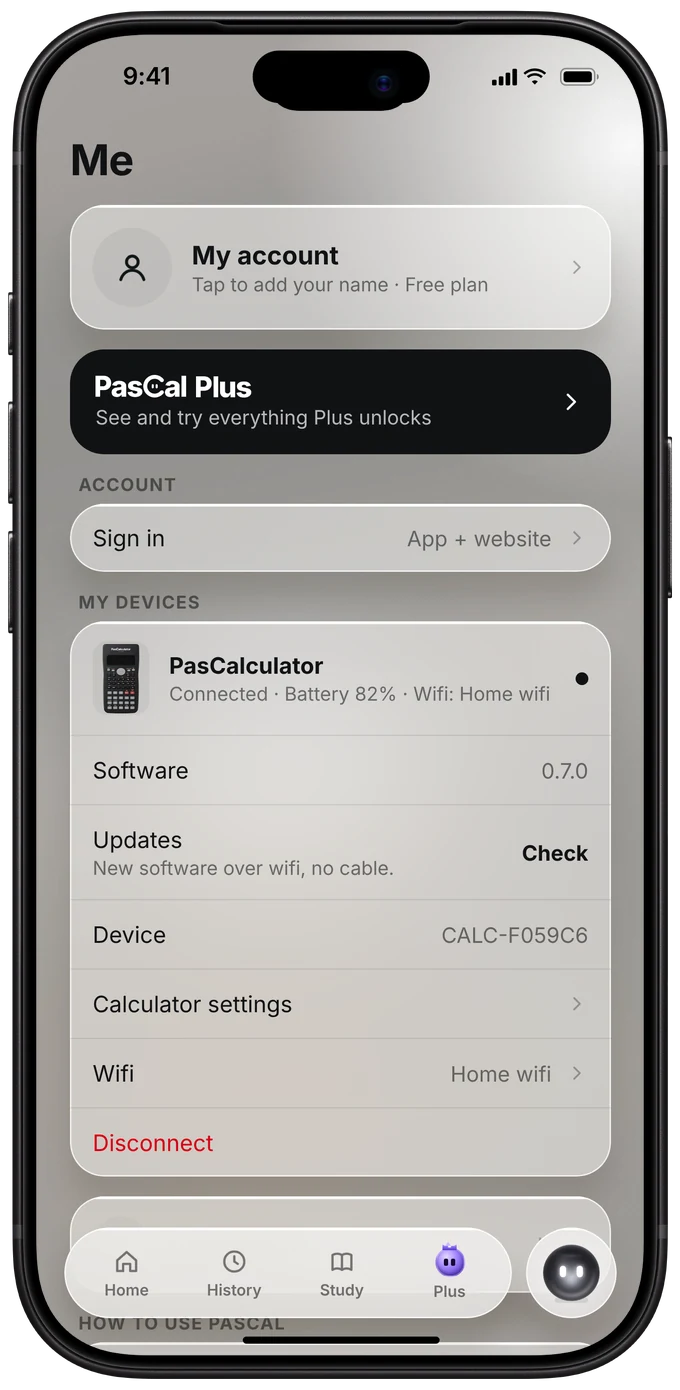
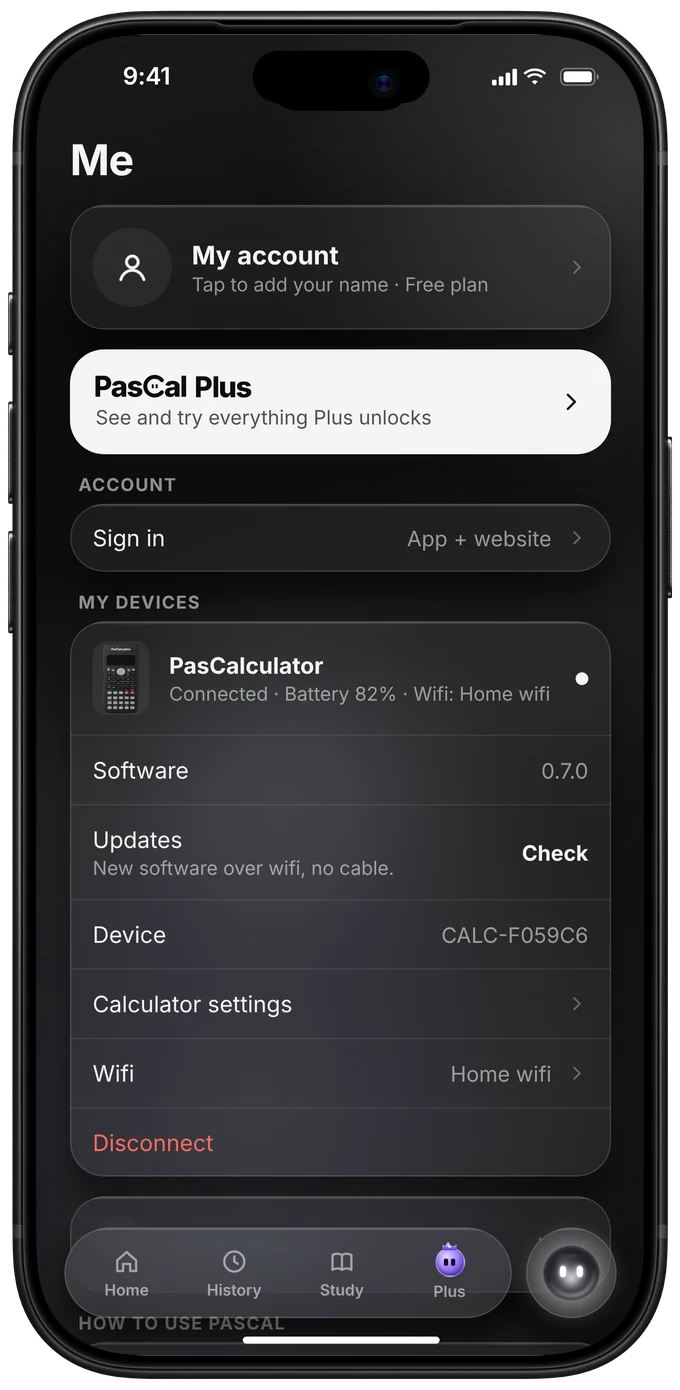
Open Me. Next to Updates, tap Check. If there’s one, tap install. It takes about a minute and PasCal restarts by itself.
Or on PasCal
Press SHIFT, then MODE, go down to Check for update and press =. It needs Wi-Fi.
SHIFTMODE▼=
Keep it on
While it downloads, PasCal shows how far it is. Don’t turn it off. It restarts by itself when it’s done.
Was this helpful?
Thanks for letting us know.
Sorry about that. or send us a message.