Privacy screen
Change the screen look (Classic / G2 / Black & white)
Three free looks, in Settings: Classic green, G2 deep ink, and Black & white.
Updated November 17, 2026
Open Settings
Press SHIFT, then MODE, and go down to Screen (row 2).
SHIFTMODE▼
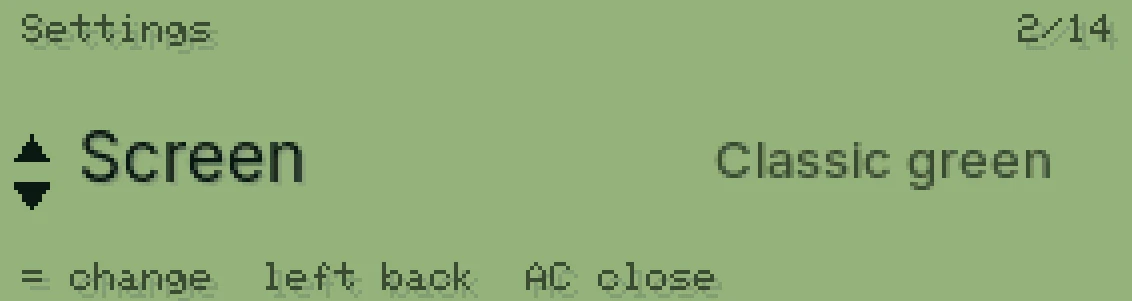
Press = for the next look
Each press goes to the next one, then back to Classic green.
=
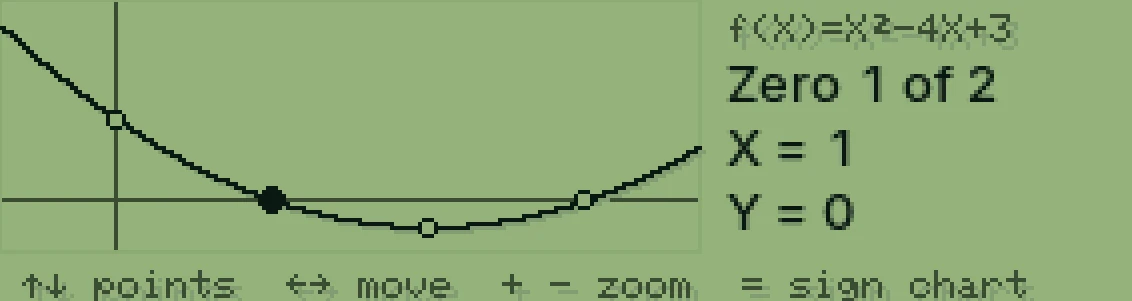
Classic green 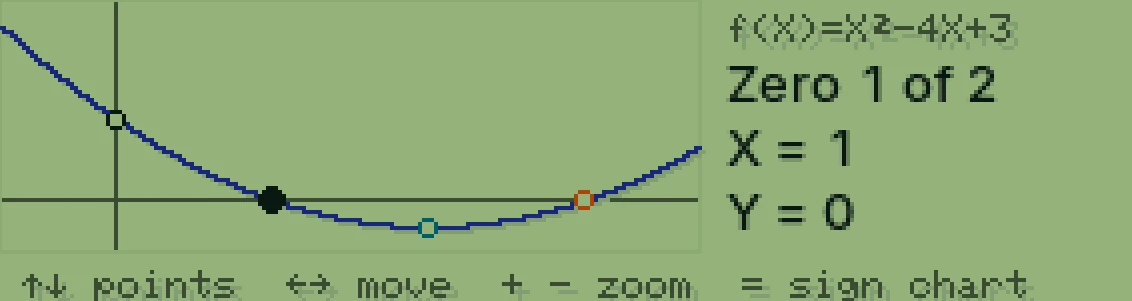
G2 deep ink 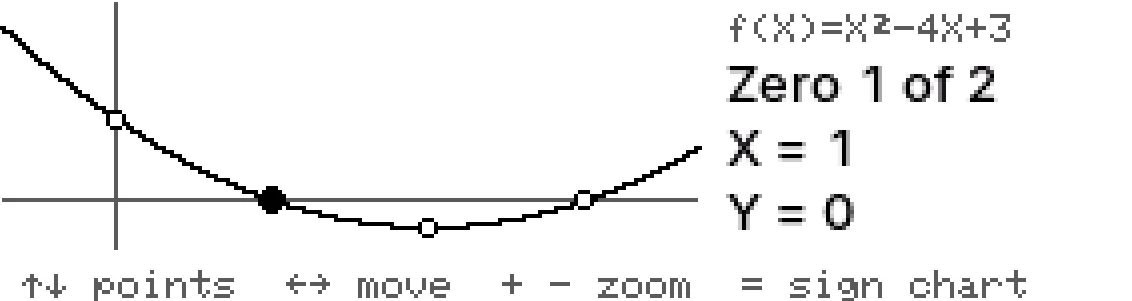
Black & white
Was this helpful?
Thanks for letting us know.
Sorry about that. or send us a message.