Get started
Play the games
Math Sprint and Snake are built in. MODE, then 4.
Updated November 17, 2026
Press MODE
Top row, second from the right. It opens the apps.
MODE

Press 4 for Games
Or press ▶ until you get there.
4

Pick a game
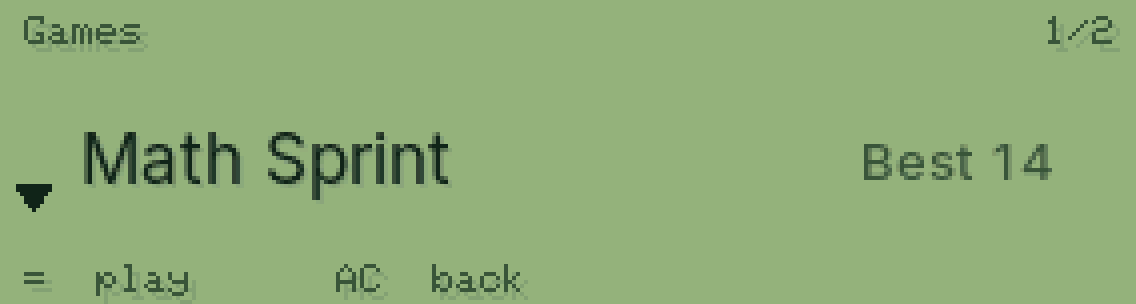
Math Sprint or Snake. ▼ to switch, = to play.
=
Beat your best
Math Sprint: as many as you can in 60 seconds. PasCal saves your best score. = plays again, AC goes back.

Was this helpful?
Thanks for letting us know.
Sorry about that. or send us a message.