Phone & app · error code
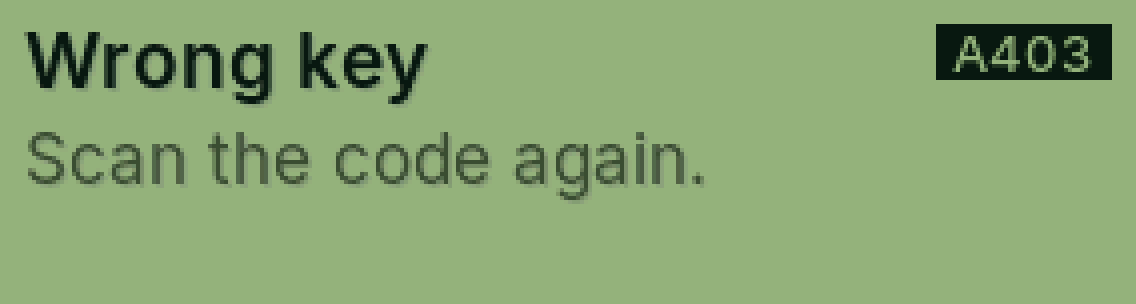
A403 Wrong key
The code the app scanned doesn’t match this PasCal.
Why it happens
An old code was scanned, or a code from a different calculator.
Fix it step by step
On PasCal: SHIFT, MODE, Pair with the app, =.
Scan the new code.
Still showing?
Tell Cal (bottom right) or send us a message with the code.
Full guide: Pair your phone with the app
Was this helpful?
Thanks for letting us know.
Sorry about that. or send us a message.