Phone & app · error code
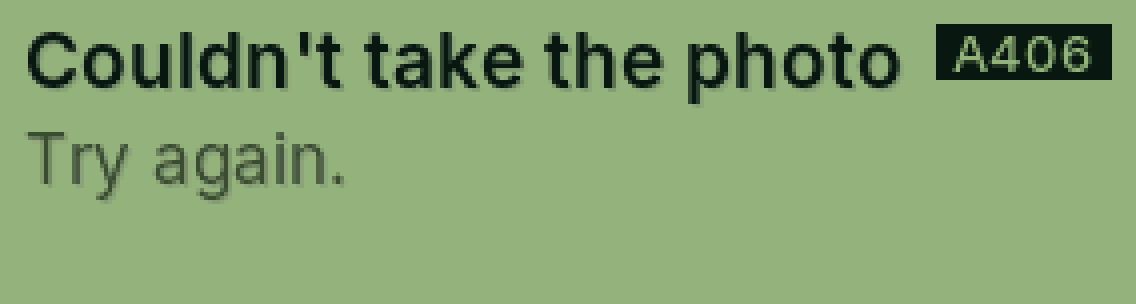
A406 Couldn’t take the photo
Your phone’s camera didn’t take the picture.
Why it happens
The app may not be allowed to use the camera.
Fix it step by step
Try again.
In your phone’s settings, allow PasCal to use the camera.
Still showing?
Tell Cal (bottom right) or send us a message with the code.
Was this helpful?
Thanks for letting us know.
Sorry about that. or send us a message.