Phone & app · error code
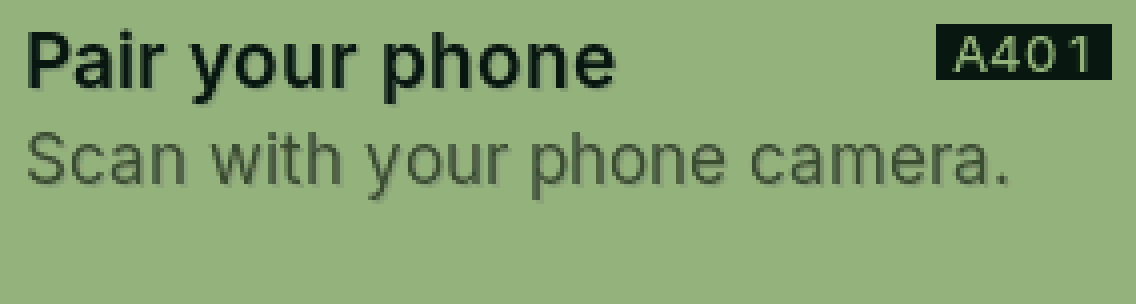
A401 Pair your phone
PasCal isn’t linked to the app yet.
Why it happens
Cal and photo answers need PasCal paired with the free app once. Until then, ALPHA shows the pairing code.
Fix it step by step
Open the PasCal app and sign in.
Scan the code on PasCal’s screen.
No phone right now? Press = for the normal calculator.
Still showing?
See A402 if the app can’t find it.
Full guide: Pair your phone with the app
Was this helpful?
Thanks for letting us know.
Sorry about that. or send us a message.