Photos & answers
Delete my photos and data
Delete one question, everything, or your whole account. It’s gone from our server right away.
Updated November 17, 2026
Delete one question
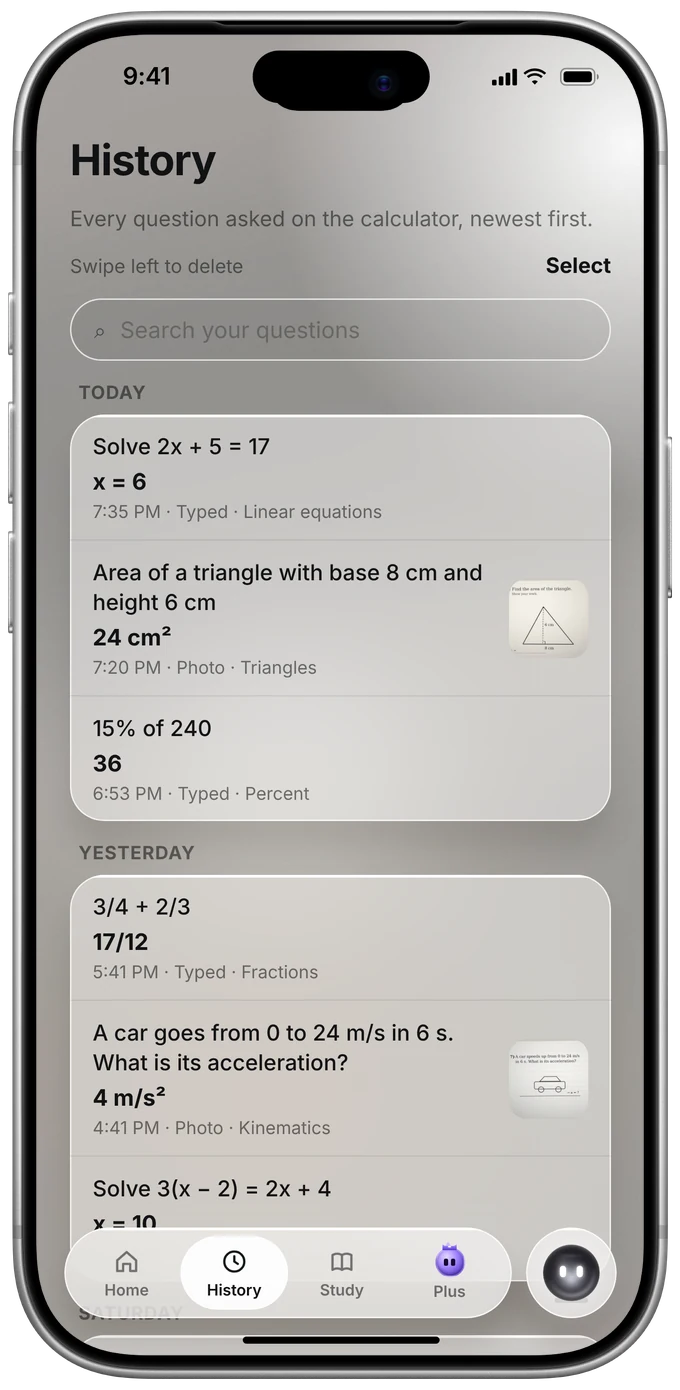
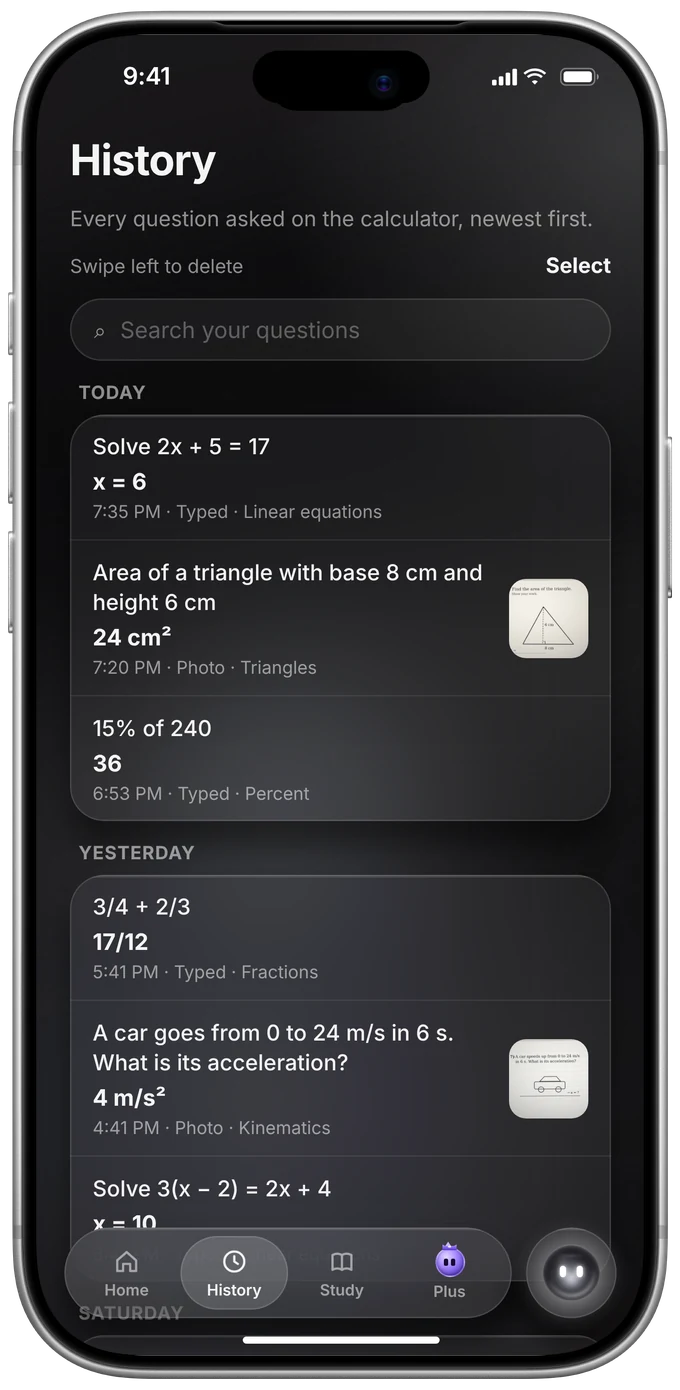
In History, swipe it left. Or open it and tap Delete. Its photo goes too.
Delete everything
In the app: Me, Privacy, then Delete all my questions and photos. Every question, answer and photo from this calculator is deleted from our server.
Delete your account
In the app (Me, Account) or on the website in My PasCal.
Was this helpful?
Thanks for letting us know.
Sorry about that. or send us a message.