Privacy screen
The privacy screen
It comes already on your screen. Peel it off if you don’t want it. To make the screen fully dark, use Hide.
Updated November 17, 2026
How it works
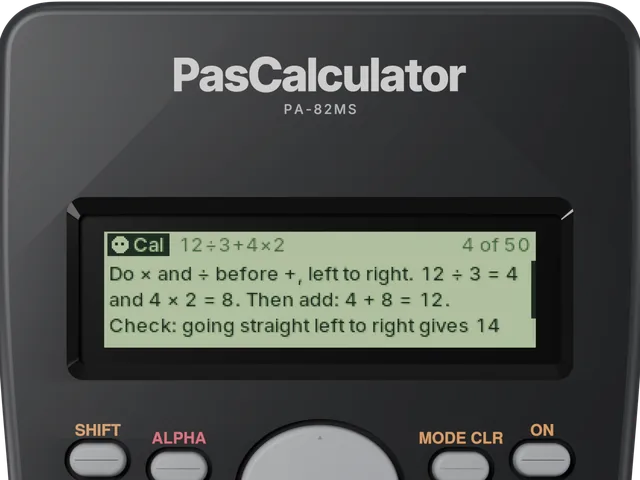
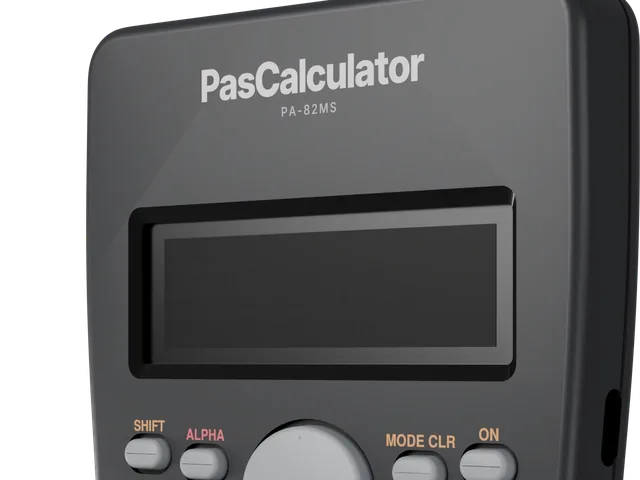
The privacy screen is a filter that comes already on your PasCal’s screen. Straight on, you see the answer. From about 30° to the side, the screen looks dark.
Don’t want it?
You can peel it off if you want. PasCal works the same without it.
Broken, or didn’t get one?
Replacement privacy screen kits will be sold separately later.
Straight on: clear
You see everything, like normal.
3D illustration From the side: dark
The person next to you sees a dark screen.
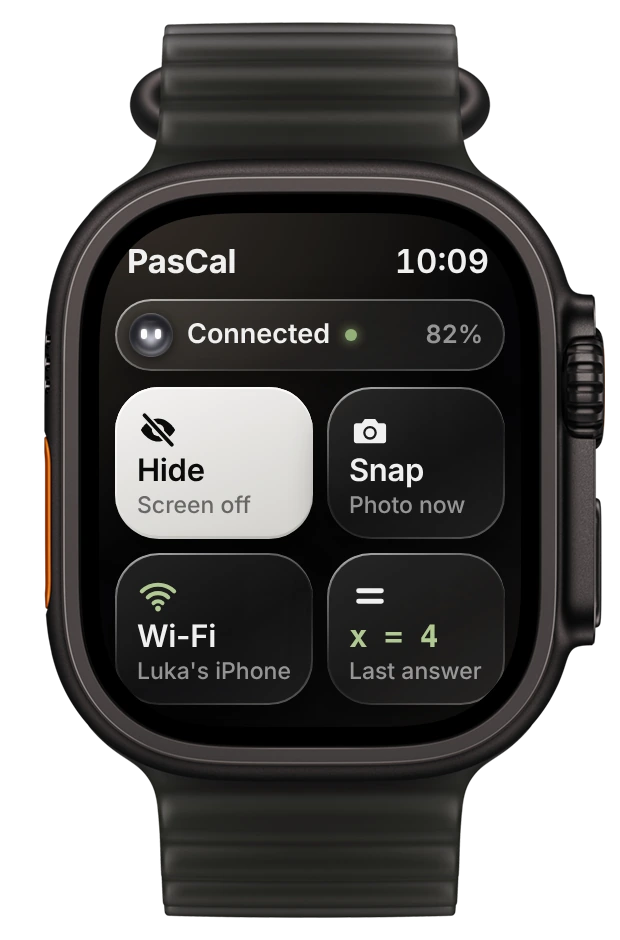
3D illustration Fully dark? Use Hide
In the app or on Apple Watch, tap Hide. The screen goes fully dark at once. Press any key to wake it to the plain calculator.
Was this helpful?
Thanks for letting us know.
Sorry about that. or send us a message.