Wi-Fi · error code
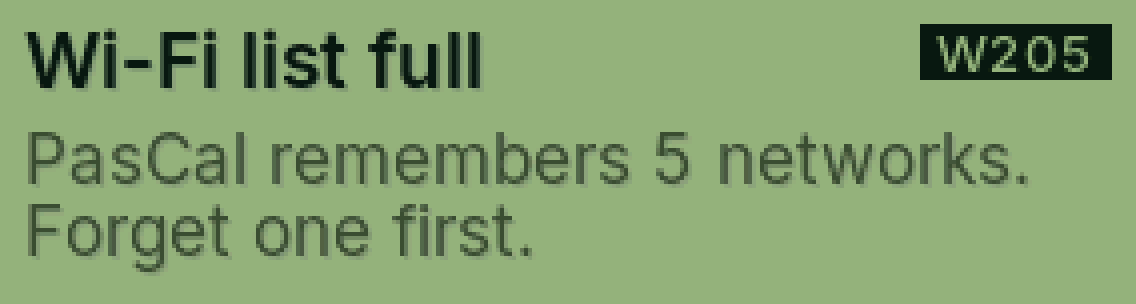
W205 Wi-Fi list full
PasCal already remembers 5 networks.
Why it happens
It saves up to 5 (home, school, your hotspot…). To add a 6th, one has to go.
Fix it step by step
SHIFT, MODE, then = on Wifi.
Go down to a network you don’t use and press = twice.
Now add the new one.
Still showing?
Tell Cal (bottom right) or send us a message with the code.
Full guide: Reset Wi-Fi
Was this helpful?
Thanks for letting us know.
Sorry about that. or send us a message.