Wi-Fi · error code
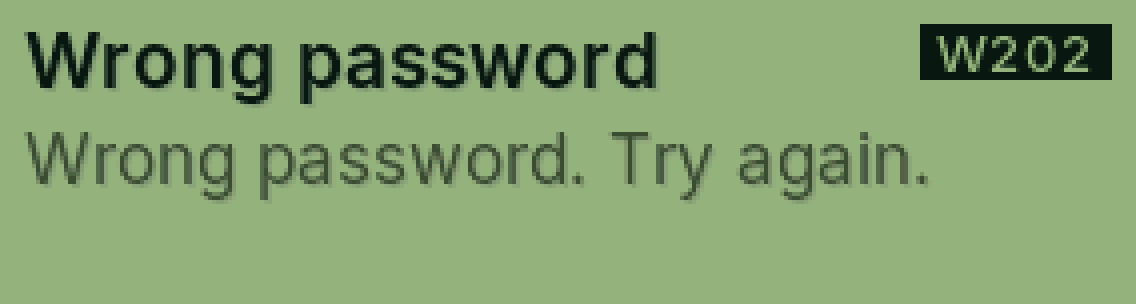
W202 Wrong password
The Wi-Fi password didn’t work.
Why it happens
Passwords care about capitals, spaces and look-alike letters (O and 0, l and 1).
Fix it step by step
Check the password on the router or ask whoever runs the Wi-Fi.
Scan the code on PasCal again.
Type the password carefully and try again.
Still showing?
Forget that network and add it again (W204 shows how).
Full guide: Connect to Wi-Fi
Was this helpful?
Thanks for letting us know.
Sorry about that. or send us a message.