Battery & charging · error code
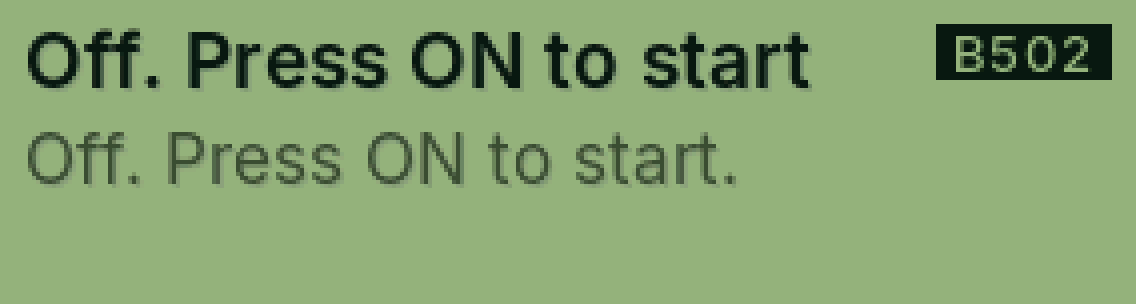
B502 Off. Press ON to start
PasCal turned itself off.
Why it happens
The battery was empty (it turns off at 2%), or it was turned off with SHIFT, AC.
Fix it step by step
Charge it with USB-C for a while.
Press ON.
Still showing?
See our guide for when it won’t turn on.
Full guide: My PasCal won’t turn on
Was this helpful?
Thanks for letting us know.
Sorry about that. or send us a message.