Battery & charging · error code
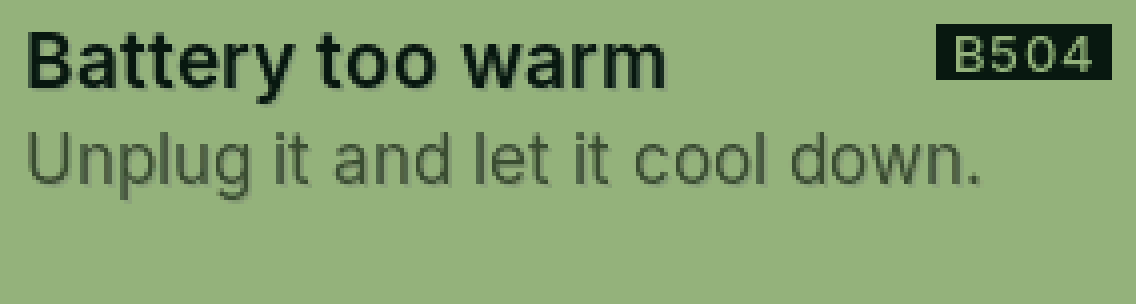
B504 Battery too warm
The battery is too warm.
Why it happens
It’s been in the sun or near something hot, or something is wrong with it.
Fix it step by step
Unplug it.
Let it cool down somewhere safe.
If it’s puffy, hot or smells: stop using it and don’t charge it.
Still showing?
Tell us right away. That’s always covered.
Full guide: Warranty
Was this helpful?
Thanks for letting us know.
Sorry about that. or send us a message.