Calculator · error code
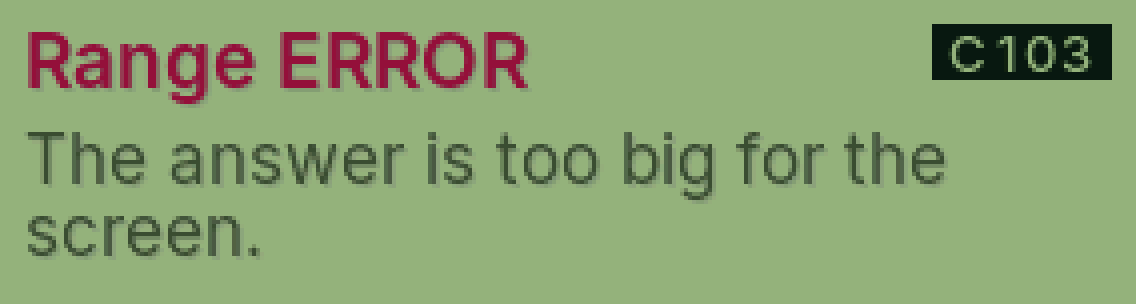
C103 Range ERROR
The answer is too big (or too small) for the calculator.
Why it happens
PasCal works with numbers up to about 10 to the power of 99. Things like 200! go past that.
Fix it step by step
Try smaller numbers.
Or split it into steps and use powers of 10 (the EXP key).
Press AC to clear.
Still showing?
Ask Cal to work it out in steps: press ALPHA.
Was this helpful?
Thanks for letting us know.
Sorry about that. or send us a message.