Calculator · error code
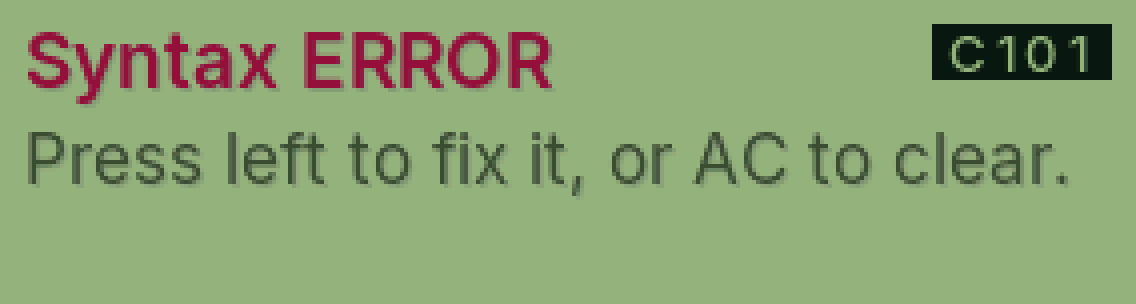
C101 Syntax ERROR
The sum was typed in a way PasCal can’t read.
Why it happens
Something is missing or in the wrong place, like a bracket that’s never closed, two signs in a row (5 × ÷ 2), or a sum that ends in a sign.
Fix it step by step
Press ◀ to go back into the sum. The cursor goes to the problem.
Fix that part, then press =.
Or press AC to start again.
Still showing?
Type it again slowly, one part at a time, pressing = after each part.
Was this helpful?
Thanks for letting us know.
Sorry about that. or send us a message.